In today’s digital world, weak passwords are the number one security vulnerability for most people. Hackers can crack simple passwords in seconds, putting your personal information at risk. Our Password Generator creates strong, random passwords that protect your accounts from unauthorized access and keep your data secure.
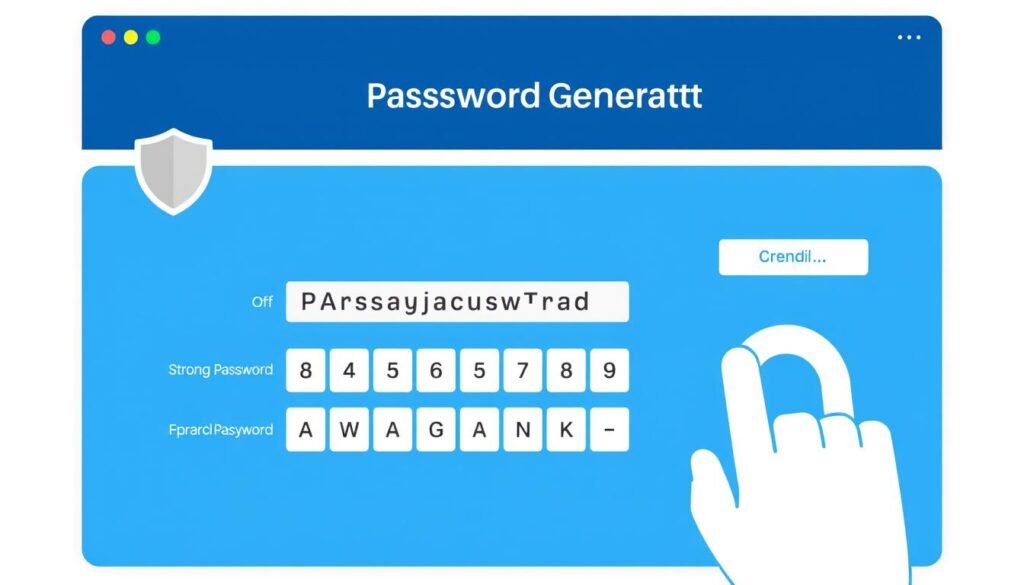
Why Strong Passwords Matter
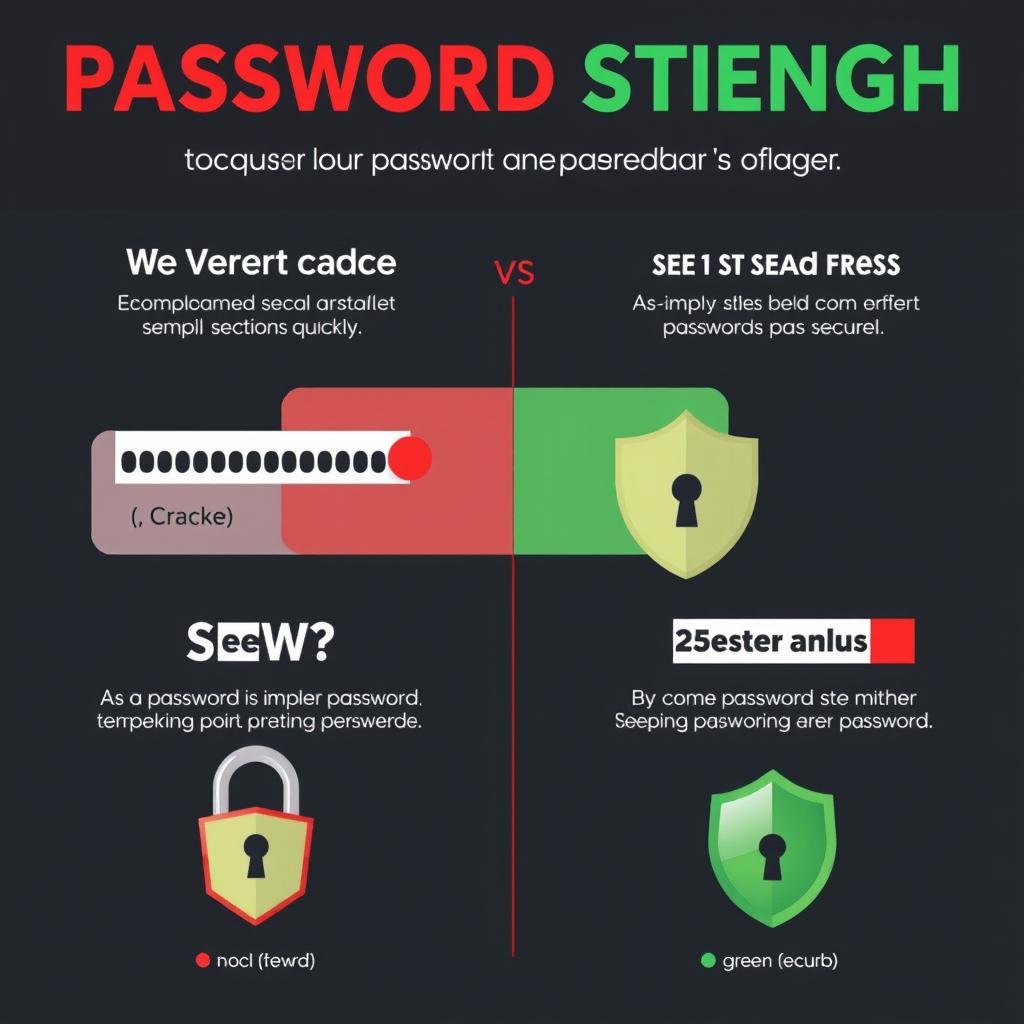
Weak passwords are like leaving your front door unlocked. They’re the first line of defense against hackers trying to access your accounts. Consider these alarming statistics:
- 81% of data breaches are caused by weak or reused passwords
- A 12-character password with only numbers can be cracked in just 25 seconds
- The average person has 100+ online accounts but uses only 5 different passwords
- Over 80% of people reuse the same password across multiple sites
Using a password generator creates unique, complex passwords that dramatically increase your security and protect your sensitive information from unauthorized access.
Ready to secure your accounts?
Create strong, unique passwords that hackers can’t crack.
What Makes a Password Strong?
Not all passwords are created equal. The strongest passwords share specific characteristics that make them difficult to crack, even with advanced hacking tools.

Length
Strong passwords should be at least 12-16 characters long. Each additional character exponentially increases the time needed to crack your password. A 16-character password can take thousands of years to crack with current technology.
Complexity
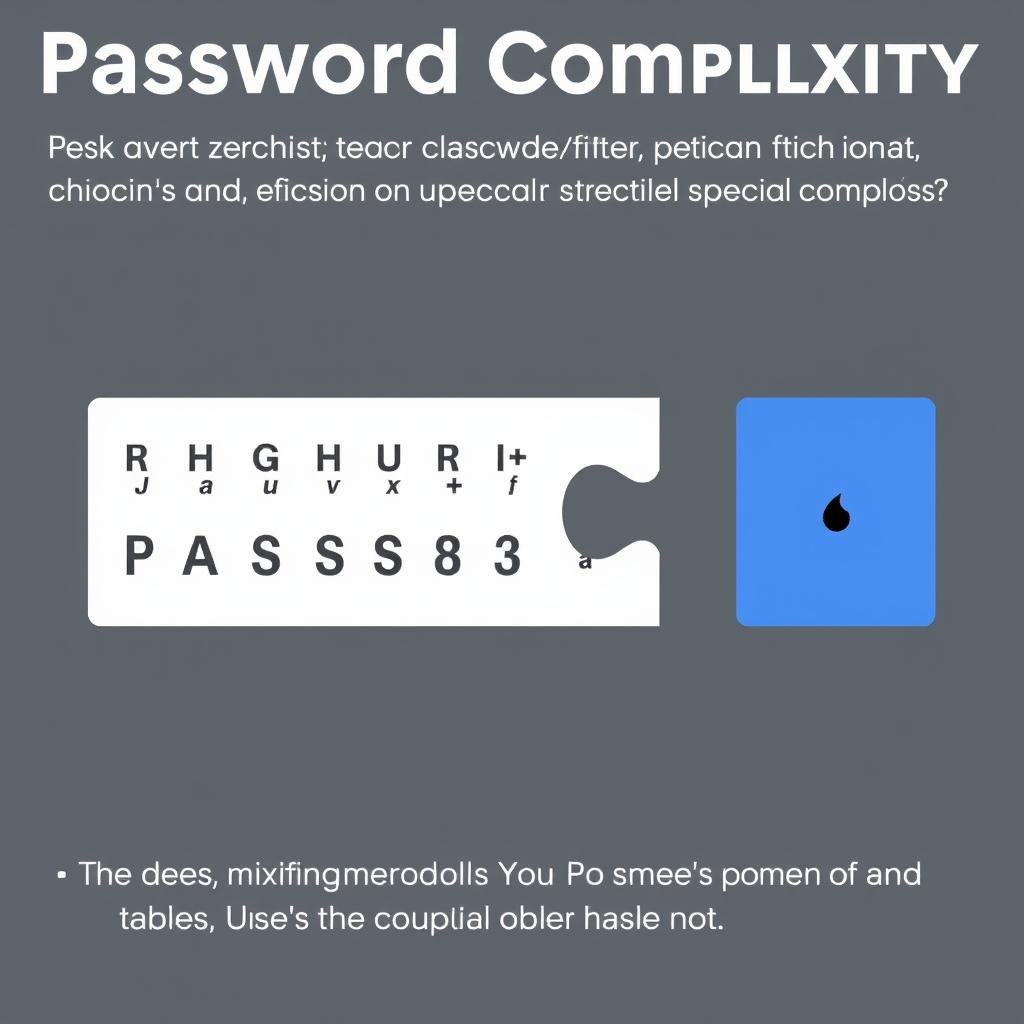
Use a combination of uppercase letters, lowercase letters, numbers, and special characters. This mixture creates passwords that are significantly harder to guess or crack through brute force attacks.
Uniqueness
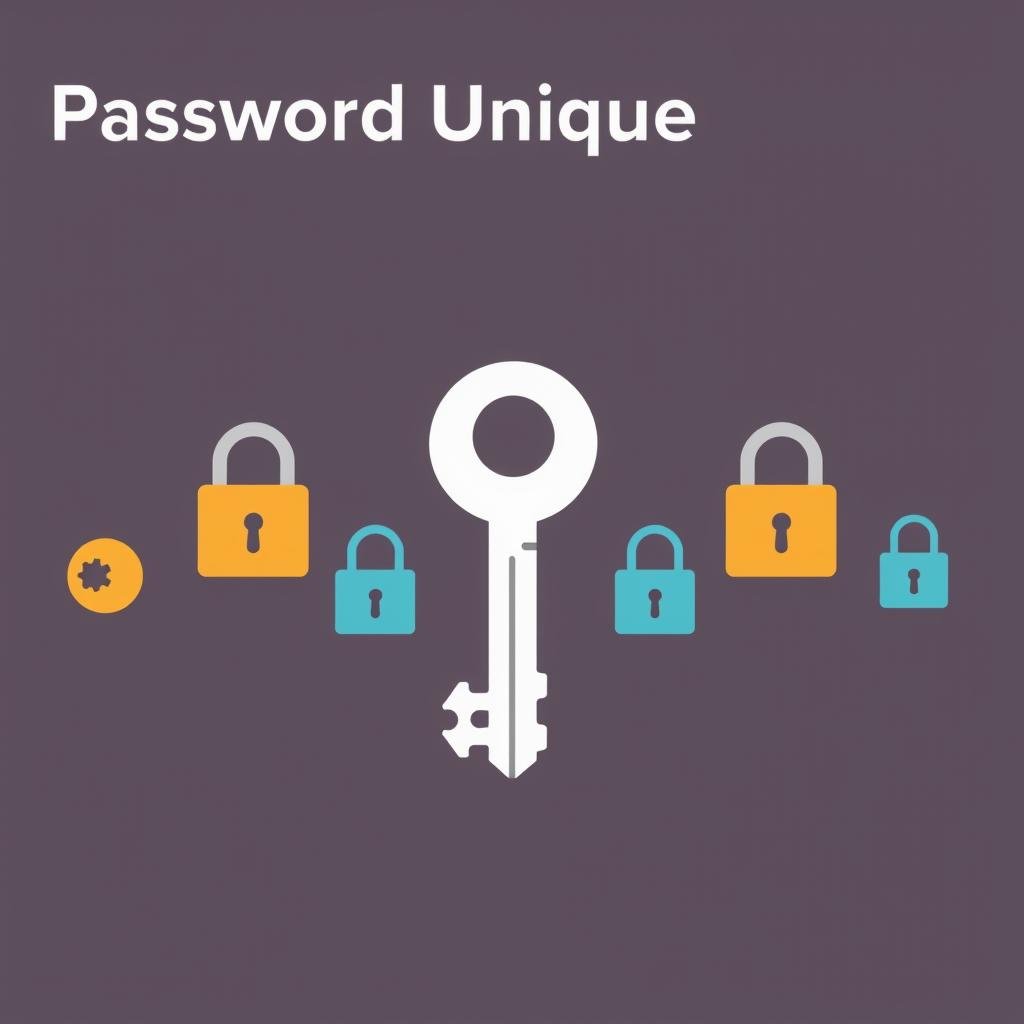
Every account should have its own unique password. This prevents a security breach on one site from compromising all your accounts. Never reuse passwords across multiple websites or services.
Common Password Mistakes to Avoid
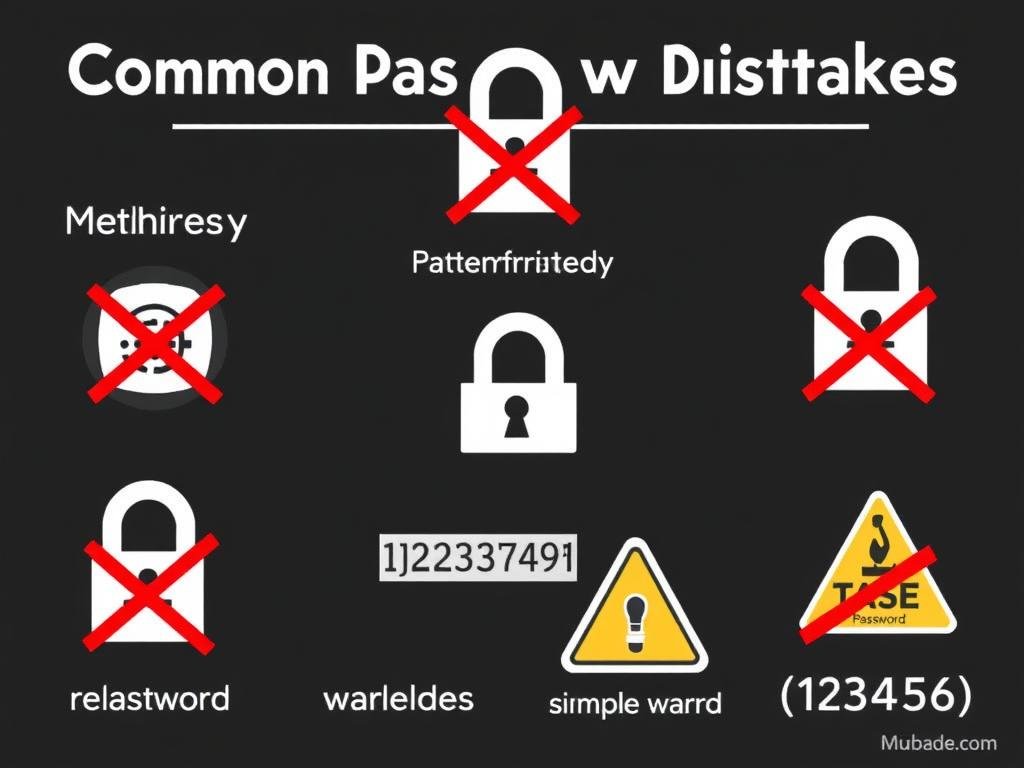
Even when trying to create secure passwords, many people fall into common traps that make their passwords vulnerable. Avoid these critical mistakes:
Password Don’ts
- Using personal information (birthdays, names, addresses)
- Simple word substitutions (p@ssw0rd instead of password)
- Common keyboard patterns (qwerty, 12345)
- Dictionary words or common phrases
- Reusing passwords across multiple accounts
- Sharing passwords with others
- Writing passwords on sticky notes or unencrypted files
Password Do’s
- Use a password generator for truly random passwords
- Create passwords at least 12-16 characters long
- Include a mix of character types in every password
- Use unique passwords for each account
- Consider using passphrases for better memorability
- Store passwords securely in a password manager
- Update important passwords regularly
How Hackers Attack Your Passwords
Understanding how attackers try to steal or crack your passwords helps illustrate why random, generated passwords are so important for your security.
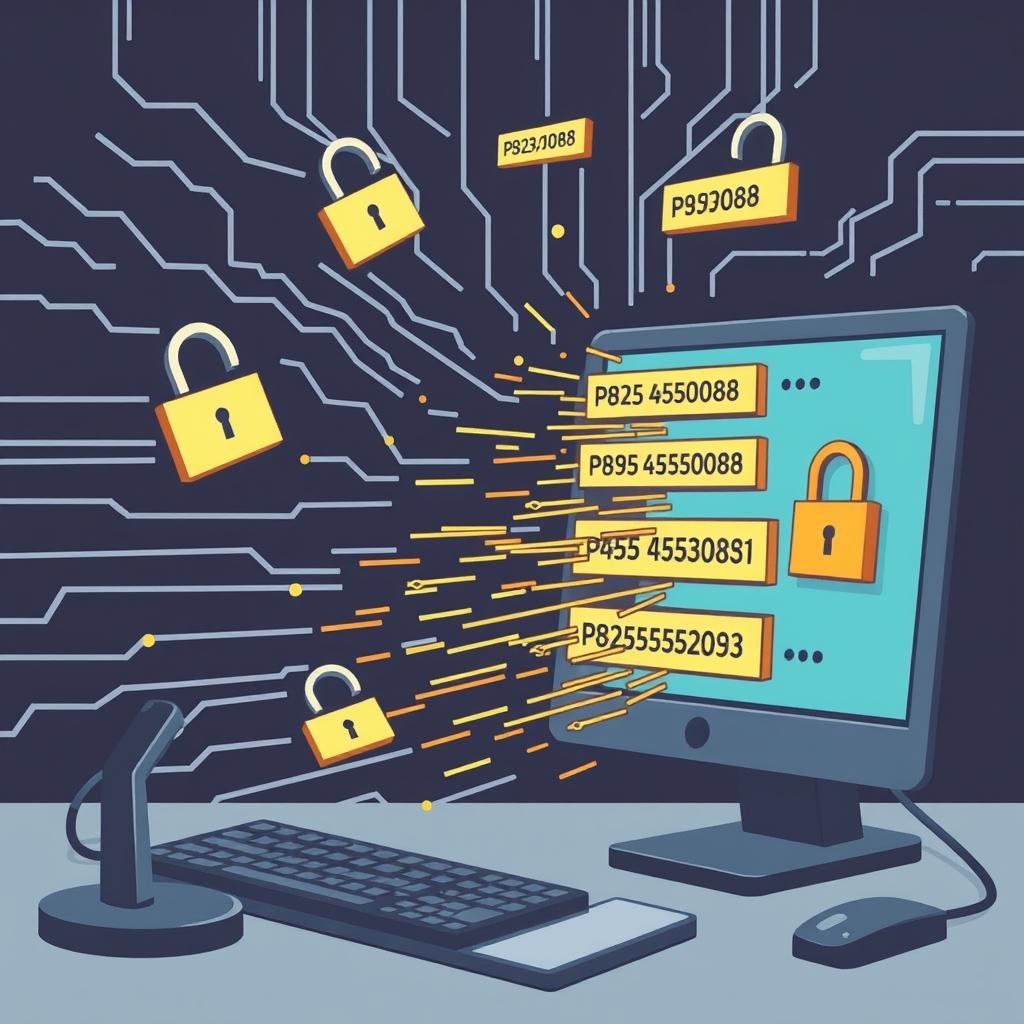
Brute Force Attacks
Hackers use automated programs to systematically try every possible character combination until they find your password. A strong, random password with sufficient length makes brute force attacks impractical due to the astronomical number of possibilities.
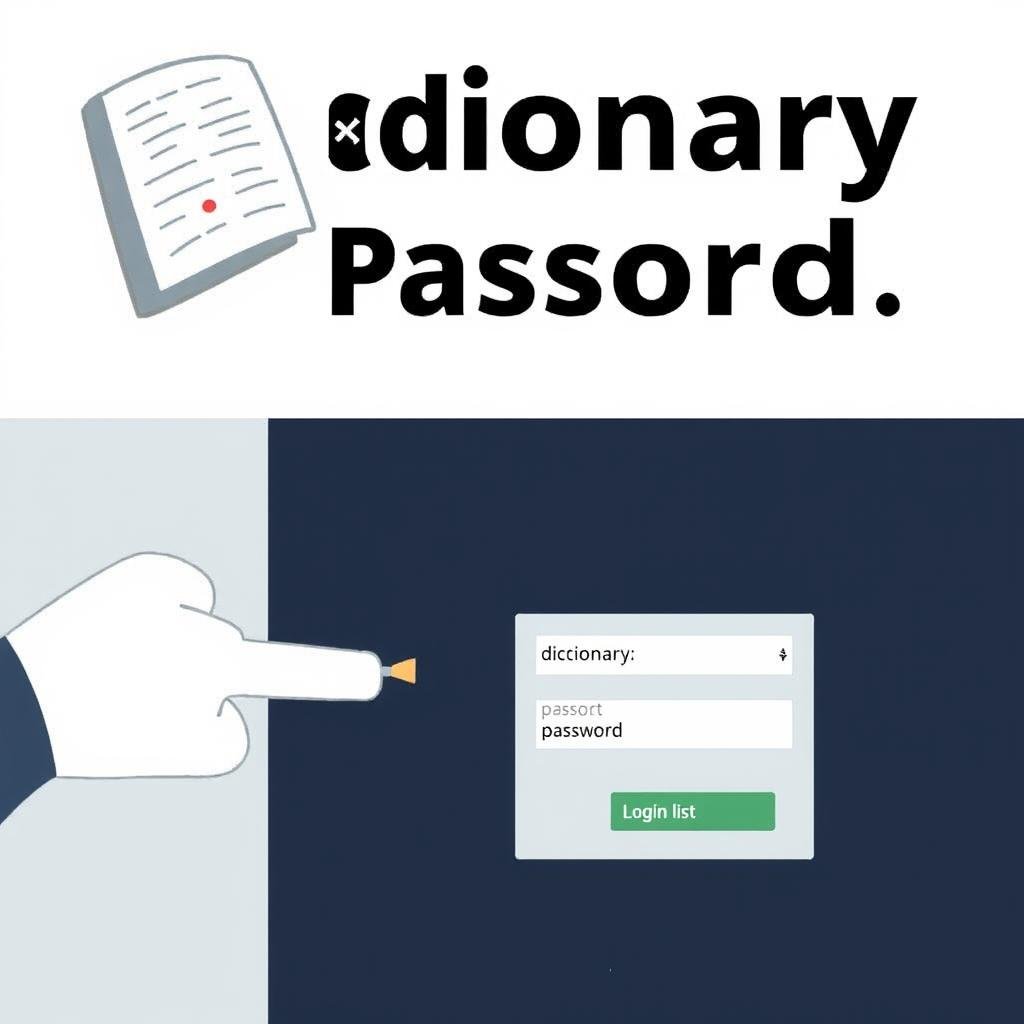
Dictionary Attacks
These attacks use lists of common words, phrases, and known passwords to quickly test likely combinations. Random passwords generated by our tool don’t contain predictable words or patterns, making them resistant to dictionary attacks.

Phishing
Attackers create fake websites or send deceptive emails to trick you into revealing your passwords. Using unique passwords for each site limits the damage if one password is compromised through phishing.
Protect yourself from password attacks
Our Password Generator creates random, unpredictable passwords that resist all common attack methods.
How Our Password Generator Works
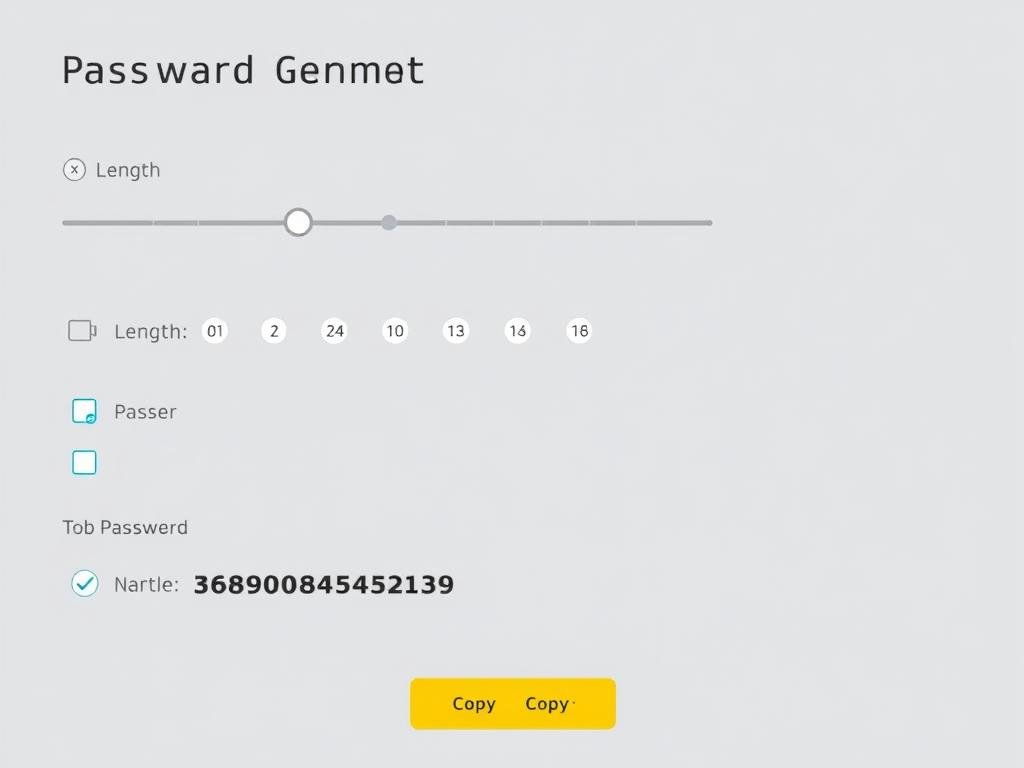
Our Password Generator uses advanced cryptographic algorithms to create truly random, secure passwords. Unlike human-created passwords, which often follow predictable patterns, our generator produces passwords with optimal security characteristics.
Key Benefits of Our Password Generator:
- True Randomness – Uses cryptographically secure methods to ensure unpredictability
- Customizable Length – Create passwords from 8 to 64 characters long
- Character Variety – Include uppercase, lowercase, numbers, and symbols
- No Storage – Passwords are generated locally and never stored on our servers
- Strength Indicator – Visual feedback on password strength
- One-Click Copy – Easily copy your new password to use immediately
Managing Your Strong Passwords
Creating strong passwords is only half the battle. You also need a secure way to remember and manage them across all your accounts.
Use a Password Manager
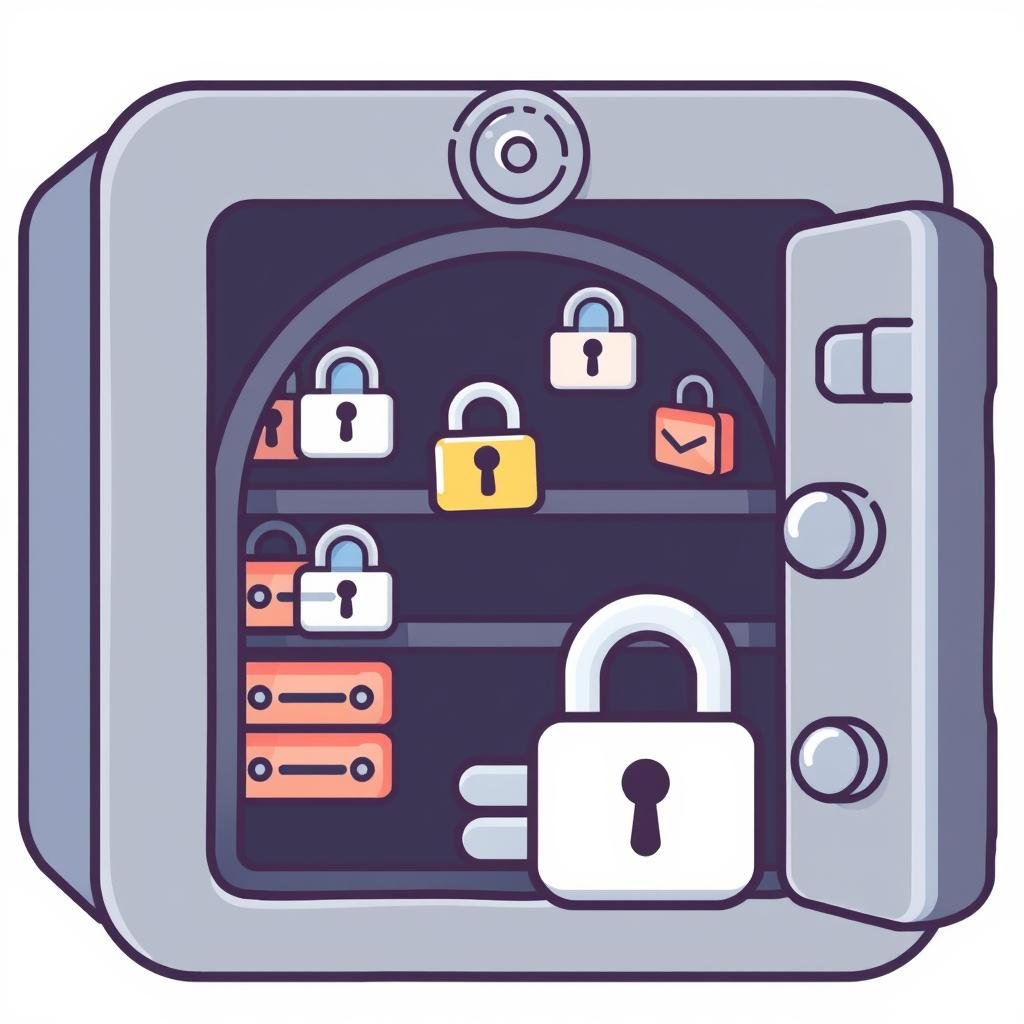
A password manager securely stores all your passwords in an encrypted vault. You only need to remember one master password to access all your other passwords. This allows you to use strong, unique passwords for every account without having to memorize them.

Enable Two-Factor Authentication
Add an extra layer of security by enabling two-factor authentication (2FA) on your important accounts. This requires both your password and a second verification method, such as a code sent to your phone, making unauthorized access much more difficult.
Update Critical Passwords
Regularly update passwords for your most sensitive accounts, such as email, banking, and primary social media. Use our Password Generator each time to create new, strong passwords that maintain your security over time.
Frequently Asked Questions
How often should I change my passwords?
For critical accounts (banking, email, etc.), consider changing passwords every 3-6 months. For less sensitive accounts, changing passwords annually is generally sufficient. Always change passwords immediately if you suspect a breach or if a service you use reports a data leak.
Are password generators safe to use?
Yes, reputable password generators like ours are designed with security in mind. Our generator creates passwords locally in your browser, so they’re never transmitted over the internet or stored on our servers. This ensures your generated passwords remain private and secure.
What’s the difference between a passphrase and a password?
A password is typically a single string of characters, while a passphrase consists of multiple words strung together. Passphrases can be easier to remember while still providing strong security if they’re long enough and use uncommon word combinations. Our generator can create both traditional passwords and memorable passphrases.
How long should my password be?
For optimal security, passwords should be at least 12-16 characters long. Longer passwords provide exponentially better protection against brute force attacks. For critical accounts, consider using passwords of 20+ characters generated by our tool.
Take Control of Your Password Security Today
In an age where data breaches and account hacks are increasingly common, strong passwords are your first line of defense. Our Password Generator gives you the tools to create secure, random passwords that protect your digital life from unauthorized access.
Don’t wait until after a security breach to improve your password habits. Start using strong, unique passwords for all your accounts today.
Ready to strengthen your online security?
Generate strong, unique passwords in seconds with our free tool.
Remember: A password is only as secure as the system storing it. Even with the strongest password, it’s important to be vigilant about phishing attempts, keep your devices free from malware, and enable two-factor authentication whenever possible.