Easily calculate your grades with our Grade Calculator. Determine your GPA, final scores, and needed marks quickly for school, college, or exams.
Grade Calculator
Understanding your academic standing is crucial for setting goals and planning your study strategy. A grade calculator helps you track your progress, calculate weighted averages, and determine what scores you need on upcoming assignments to achieve your desired final grade. This comprehensive guide explains everything you need to know about grade calculation, from basic percentage grades to complex weighted systems.

What is a Grade Calculator?
A grade calculator is a specialized tool designed to help students determine their current standing in a course and project future outcomes based on upcoming assignments. Unlike basic calculators, grade calculators account for different grading systems, weighted assignments, and can project what scores you’ll need on future work to achieve your target grade.
Whether you’re trying to maintain your GPA, improve your academic performance, or simply stay organized, a grade calculator provides clarity about where you stand and what you need to accomplish. It eliminates the guesswork from academic planning, allowing you to focus on what matters most—your studies.
Calculate Your Grades Instantly
Stop struggling with complex grade calculations. Our online grade calculator does the work for you!
Understanding Different Grading Systems
Educational institutions use various grading systems to evaluate student performance. Understanding these systems is essential for accurately calculating your grades and setting realistic academic goals.
Percentage-Based Grading
The percentage-based system is one of the most straightforward grading methods. In this system, assignments, tests, and exams are scored on a scale of 0-100%. Your final grade is typically the average of all your percentage scores, sometimes with different weights applied to different assignments.
Point-Based Grading
In point-based systems, each assignment is worth a specific number of points, and your grade is calculated based on the total points earned divided by the total points possible. For example, if you earned 85 points out of a possible 100, your grade would be 85%.
Weighted Grade Systems
Weighted grading systems assign different values or “weights” to various assignments based on their importance. For instance, a final exam might be worth 40% of your grade, while homework assignments collectively account for 20%. This system recognizes that some assessments should have more impact on your final grade than others.
Understanding your course’s grading system is the first step to accurately calculating your current standing and planning for future success.
How to Calculate Grades Manually
While grade calculators make the process easy, understanding how to calculate grades manually gives you greater insight into your academic standing. Here’s a step-by-step guide for different grading systems:

Calculating Simple Average Grades
For courses where all assignments have equal weight:
- Add up all your scores
- Divide by the total number of assignments
- Multiply by 100 to get your percentage grade
For example, if you received scores of 85, 92, and 78 on three equally weighted tests, your calculation would be:
(85 + 92 + 78) ÷ 3 = 85%
Calculating Weighted Grades
For courses with weighted assignments:
- Multiply each score by its weight (as a decimal)
- Add all the weighted scores together
- The sum is your weighted average grade
For example, if your course grade consists of:
- Homework (20% weight): 90% average
- Midterm exam (30% weight): 85%
- Final project (20% weight): 92%
- Final exam (30% weight): 88%
Your calculation would be:
(90 × 0.20) + (85 × 0.30) + (92 × 0.20) + (88 × 0.30) = 18 + 25.5 + 18.4 + 26.4 = 88.3%
Calculating Final Exam Needs
To determine what grade you need on your final exam to achieve a desired course grade:
- Multiply your desired course grade by 100% (all course components)
- Subtract the weighted scores you’ve already earned
- Divide the result by the weight of the final exam
Manual calculations can be time-consuming and prone to errors, especially with complex weighted systems. Using a grade calculator ensures accuracy and saves valuable study time.
Skip the Math, Get Instant Results
Why struggle with manual calculations? Our grade calculator handles complex formulas instantly.
Common Grading Scales Explained
Different educational institutions use various grading scales. Understanding how these scales work helps you interpret your grades correctly and set appropriate academic goals.
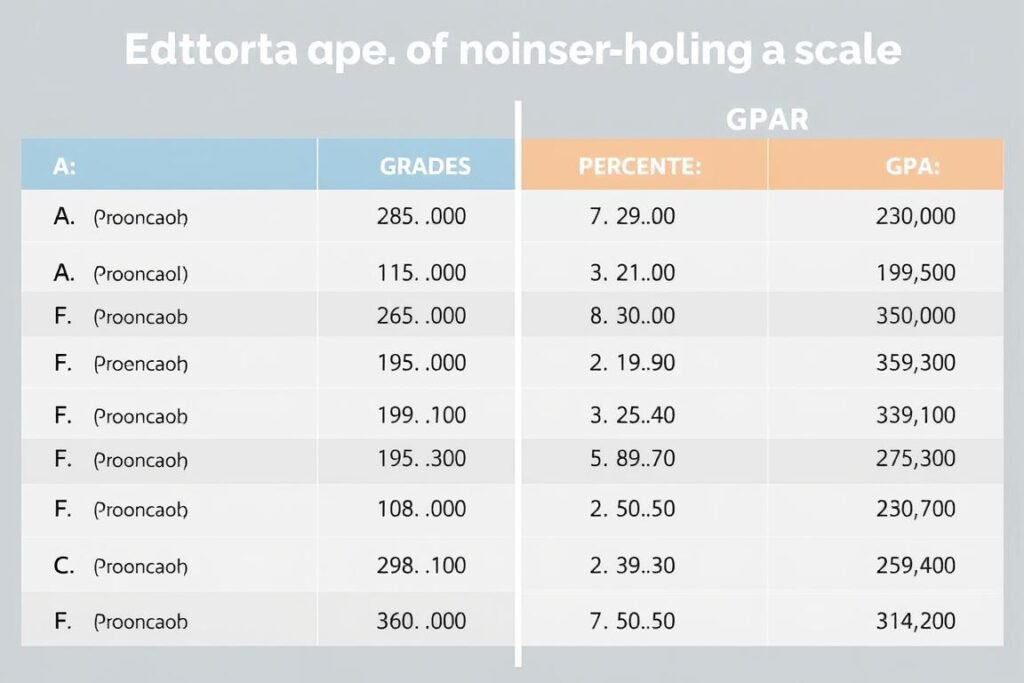
| Letter Grade | Percentage Range | GPA (4.0 Scale) | Description |
| A+ | 97-100% | 4.0-4.3 | Exceptional |
| A | 93-96% | 4.0 | Excellent |
| A- | 90-92% | 3.7 | Very Good |
| B+ | 87-89% | 3.3 | Good |
| B | 83-86% | 3.0 | Above Average |
| B- | 80-82% | 2.7 | Average |
| C+ | 77-79% | 2.3 | Satisfactory |
| C | 73-76% | 2.0 | Acceptable |
| C- | 70-72% | 1.7 | Passing |
| D+ | 67-69% | 1.3 | Poor |
| D | 63-66% | 1.0 | Very Poor |
| D- | 60-62% | 0.7 | Barely Passing |
| F | 0-59% | 0.0 | Failing |
It’s important to note that grading scales can vary between institutions and even between departments within the same school. Always check your course syllabus or institution’s academic policies for the specific grading scale being used.

Benefits of Using a Grade Calculator
Grade calculators offer numerous advantages for both students and educators. Understanding these benefits can help you make the most of these powerful academic tools.

Time Efficiency
Grade calculators eliminate the need for manual calculations, saving valuable time that can be better spent studying or completing assignments. With just a few clicks, you can get accurate results without the risk of calculation errors.
Strategic Planning
By understanding your current standing and what you need to achieve on future assignments, you can develop targeted study strategies. This allows you to allocate your time and resources more effectively.
Stress Reduction
Uncertainty about academic standing can cause significant stress. Grade calculators provide clarity about where you stand and what you need to do, reducing anxiety and helping you maintain a healthier approach to your studies.
For Students
- Track progress throughout the semester
- Set realistic academic goals based on current performance
- Determine minimum scores needed on upcoming assignments
- Prioritize study time for courses that need more attention
- Reduce anxiety by eliminating grade uncertainty
For Educators
- Quickly calculate student grades for progress reports
- Easily adjust grading scales or assignment weights
- Provide students with clear expectations
- Identify students who may need additional support
- Save time on administrative tasks
Experience These Benefits Yourself
Join thousands of students who use our grade calculator to stay on top of their academic performance.
Tips for Improving Your Grades
Understanding your current grades is just the first step. Here are practical strategies to help you improve your academic performance and achieve your educational goals.

Effective Study Techniques
- Spaced repetition: Review material at increasing intervals to improve long-term retention
- Active recall: Test yourself on material rather than simply re-reading notes
- Pomodoro technique: Study in focused 25-minute intervals with short breaks
- Concept mapping: Create visual representations of how ideas connect
- Teaching others: Explaining concepts to peers reinforces your understanding
Course Management Strategies
- Regular attendance: Don’t miss classes, as this is where key concepts are explained
- Consistent review: Schedule weekly review sessions for each course
- Strategic prioritization: Focus more time on challenging subjects
- Office hours: Visit professors during office hours for personalized help
- Study groups: Collaborate with peers to gain different perspectives
Using Your Grade Calculator Strategically
Your grade calculator can be a powerful tool for improvement when used strategically:
- Set minimum target scores for each upcoming assignment
- Regularly update your calculator with new grades to track progress
- Identify weak areas by analyzing which types of assignments yield lower scores
- Create “what-if” scenarios to understand how different scores would impact your final grade
- Establish realistic goals based on what the calculator shows is possible

The most successful students don’t just track their grades—they use that information to make strategic decisions about how to allocate their time and energy.
Frequently Asked Questions About Grade Calculation
Here are answers to common questions about grade calculation and using grade calculators effectively.

How do I calculate my current grade if I don’t know all the assignment weights?
If your syllabus doesn’t specify weights, you can either ask your instructor or assume equal weighting for all assignments. For the most accurate calculation, always try to obtain the correct weighting information from your course syllabus or instructor.
What grade do I need on my final exam to pass the course?
To calculate this, you need to know your current grade, the weight of the final exam, and the passing grade threshold. Use the formula: (Desired Final Grade × 100% – Current Grade × (100% – Final Exam Weight)) ÷ Final Exam Weight. Our final grade calculator can do this calculation automatically.
How do dropped assignments affect my grade calculation?
If your instructor drops the lowest score(s), you should exclude those assignments from your calculations. Most grade calculators allow you to select which assignments to include in the calculation, making it easy to see how different dropping policies affect your grade.
How do I convert between percentage grades and GPA?
Use the conversion table provided in the “Common Grading Scales” section above. First, convert your percentage to a letter grade, then find the corresponding GPA value. Remember that conversion scales may vary between institutions.
How much will a zero on one assignment affect my overall grade?
The impact depends on the weight of that assignment. For example, a zero on an assignment worth 5% of your grade will lower your overall grade by 5 percentage points. For weighted grading systems, multiply the assignment’s weight by the score difference (in this case, 0% – 100% = -100%) to find the impact.
Got More Questions?
Our grade calculator includes detailed help and explanations for all your grade calculation needs.
Explore Our Other Academic Calculators
Our grade calculator is just one of many tools designed to help you succeed academically. Check out these related calculators:
Final Grade Calculator
Determine exactly what score you need on your final exam to achieve your desired course grade.
GPA Calculator
Calculate your semester or cumulative GPA based on your course grades and credit hours.
Weighted Grade Calculator
Handle complex grading systems with different weights for various assignment categories.
Take Control of Your Academic Journey
Understanding how to calculate and track your grades is an essential skill for academic success. Whether you’re trying to maintain a scholarship, improve your GPA, or simply stay on top of your coursework, our grade calculator provides the tools you need to make informed decisions about your education.

Stop guessing about your academic standing and start making data-driven decisions about your study priorities. Our user-friendly grade calculator eliminates the complexity of manual calculations, giving you more time to focus on what truly matters—learning and achieving your educational goals.
Ready to Calculate Your Grades?
Join thousands of students who use our grade calculator to stay on track academically.