Understanding your bandwidth requirements is crucial for ensuring smooth internet experiences, whether you’re streaming videos, hosting video conferences, or managing a business network. Our comprehensive guide explains what bandwidth is, why it matters, and how to calculate your needs accurately. By the end, you’ll know exactly how much bandwidth you need for optimal performance.
What is Bandwidth?
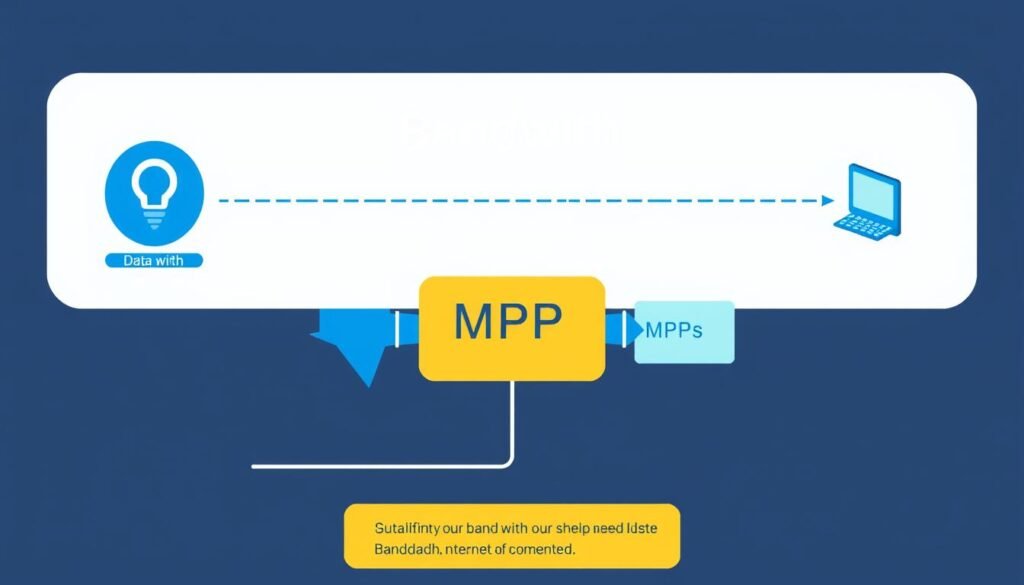
Bandwidth refers to the maximum amount of data that can be transmitted over an internet connection in a given amount of time, typically measured in Megabits per second (Mbps). Think of bandwidth as the width of a pipe – the wider the pipe, the more water (data) can flow through it simultaneously.
It’s important to distinguish between bandwidth and speed, though providers often use these terms interchangeably. Bandwidth represents capacity – how much data can potentially flow – while actual speed measures how quickly data transfers to your specific device.
Bandwidth is like a highway with multiple lanes. The more lanes (bandwidth), the more cars (data) can travel simultaneously. But having more lanes doesn’t necessarily mean cars will drive faster – it just means more cars can move at once.
Your internet connection’s bandwidth determines how efficiently you can perform various online activities. Insufficient bandwidth leads to buffering videos, lagging video calls, and slow file transfers – especially when multiple devices are connected.
Why Use a Bandwidth Calculator?

A Bandwidth Calculator helps you determine exactly how much internet capacity you need based on your specific usage patterns. Here’s why using one is essential:
Avoid Overpaying
Many users pay for more bandwidth than they actually need. By calculating your actual requirements, you can select an appropriate internet plan and potentially save money each month.
Prevent Performance Issues
Insufficient bandwidth leads to frustrating experiences like buffering videos, lagging video calls, and slow downloads. Knowing your needs helps ensure smooth performance.
Plan for Growth
Understanding your current usage helps you anticipate future needs as you add more devices or adopt bandwidth-intensive applications.
Optimize Network Resources
For businesses, proper bandwidth allocation ensures critical applications receive the resources they need while controlling costs.
Ready to determine your ideal bandwidth?
Our Bandwidth Calculator makes it easy to estimate your needs based on your specific usage patterns.
Key Factors Affecting Bandwidth Requirements

Several factors influence how much bandwidth you need. Understanding these elements will help you make more accurate calculations:
Number of Users and Devices
Each device connected to your network consumes a portion of your available bandwidth. A single user streaming HD video might need 5-8 Mbps, but a household with multiple users simultaneously streaming, gaming, and browsing will require significantly more.
Types of Online Activities
Different activities require varying amounts of bandwidth. Here’s a breakdown of common online activities and their typical bandwidth requirements:
| Activity | Required Bandwidth | Notes |
| Web Browsing | 1-3 Mbps | Basic browsing with few images |
| 1 Mbps | Without large attachments | |
| Social Media | 1-3 Mbps | Increases with video content |
| SD Video Streaming | 3-4 Mbps | Per stream |
| HD Video Streaming | 5-8 Mbps | Per stream |
| 4K Video Streaming | 15-25 Mbps | Per stream |
| Video Conferencing | 1-4 Mbps | Higher for HD quality |
| Online Gaming | 3-6 Mbps | Plus 1-2 Mbps for voice chat |
| File Downloads | 10+ Mbps | For faster downloads |
| Cloud Backup | 5-10 Mbps | Depends on amount of data |
Upload vs. Download Speeds
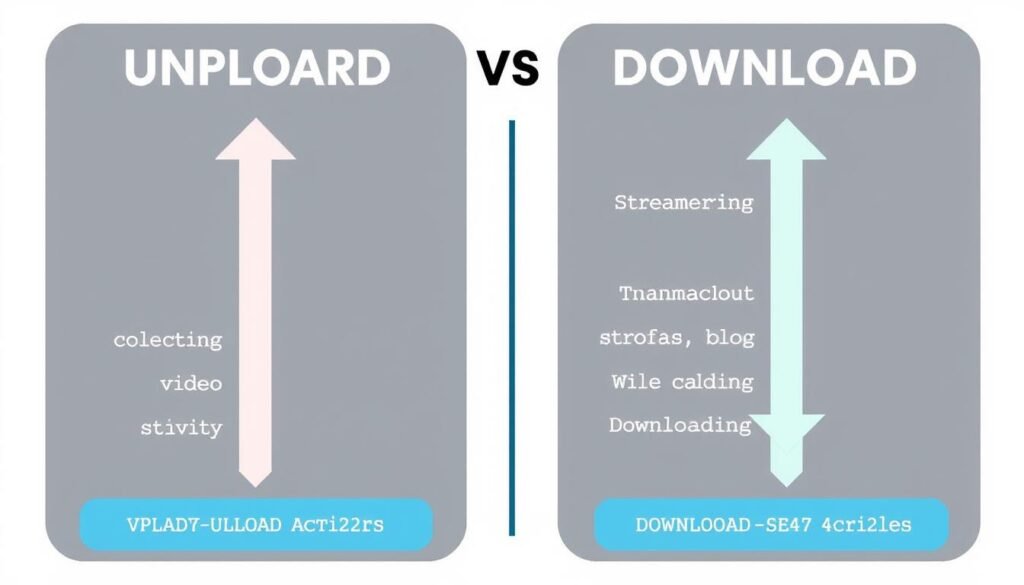
Most internet connections are asymmetric, meaning download speeds are faster than upload speeds. While downloading (streaming videos, browsing websites) is more common for average users, certain activities require significant upload bandwidth:
- Video conferencing (Zoom, Teams, etc.)
- Cloud backup services
- Uploading videos to YouTube or social media
- Live streaming
- Remote work with file sharing
Simultaneous Usage
The most critical factor is often how many activities occur simultaneously. A family of four might have someone streaming 4K video, another person in a video conference, a third playing online games, and a fourth browsing social media – all at once.
Important: When calculating your bandwidth needs, consider peak usage times when multiple users are active simultaneously, not just average usage.
How to Calculate Bandwidth Manually

While using a Bandwidth Calculator is the easiest method, understanding how to calculate bandwidth manually gives you deeper insight into your needs. Follow these steps:
Step 1: List All Devices and Activities
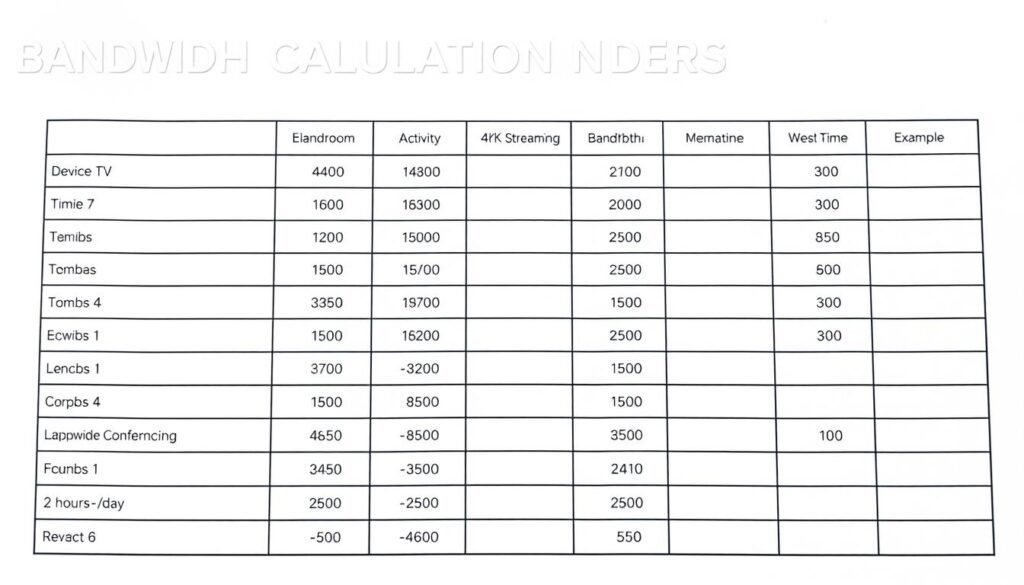
Create a table listing all devices that connect to your network and their typical activities:
Step 2: Determine Bandwidth for Each Activity
Using the table in the previous section, assign bandwidth values to each activity. For example:
- Smart TV streaming 4K video: 25 Mbps
- Laptop for video conferencing: 4 Mbps
- Smartphone browsing social media: 2 Mbps
- Gaming console online play: 5 Mbps
Step 3: Identify Concurrent Usage Patterns
Determine which devices and activities will be used simultaneously during peak times. This is the most crucial step for accurate bandwidth calculation.
Step 4: Sum the Bandwidth Requirements
Add up the bandwidth needs for all concurrent activities. For example:
Peak usage scenario: 4K streaming (25 Mbps) + Video conferencing (4 Mbps) + Social media browsing (2 Mbps) + Online gaming (5 Mbps) = 36 Mbps minimum required bandwidth
Step 5: Add a Buffer
Add 20-30% additional bandwidth to account for fluctuations, background processes, and future needs:
36 Mbps × 1.25 = 45 Mbps recommended bandwidth
This manual calculation can be time-consuming and complex, especially for households with many devices or businesses with multiple users. Our Bandwidth Calculator automates this process, providing accurate estimates in seconds.
Skip the manual calculations
Our Bandwidth Calculator does the math for you, providing personalized recommendations based on your specific usage patterns.
Common Bandwidth Terms Explained
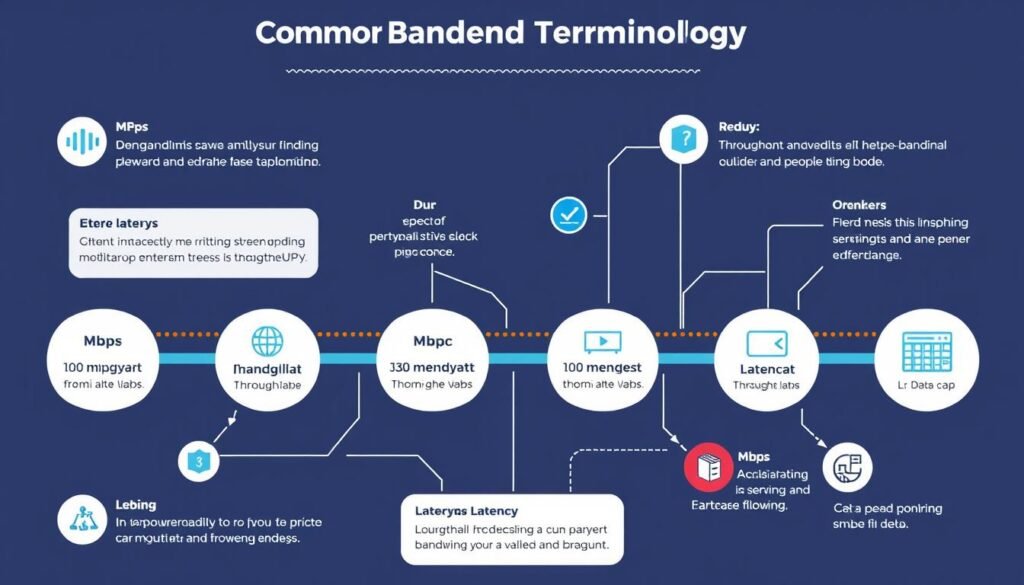
Understanding bandwidth terminology helps you make informed decisions about your internet needs. Here are key terms you should know:
What is Mbps?
Mbps stands for “Megabits per second” and is the standard unit for measuring bandwidth. One megabit equals 1/8 of a megabyte, so an 8 Mbps connection can download 1 megabyte per second. Don’t confuse megabits (Mb) with megabytes (MB).
What is Latency?
Latency is the delay between sending and receiving data, measured in milliseconds (ms). Low latency (under 50ms) is essential for activities like online gaming and video calls. High bandwidth doesn’t necessarily mean low latency.
What is a Data Cap?
A data cap is a limit on how much data you can transfer in a billing period. Exceeding this limit may result in additional charges or reduced speeds. Bandwidth refers to speed, while data caps refer to volume.
What is Throughput?
Throughput is the actual rate of successful data transfer, which may be lower than your maximum bandwidth due to network conditions, server limitations, or other factors.
What is Jitter?
Jitter refers to variations in latency over time. High jitter causes inconsistent performance in real-time applications like video calls or online gaming.
Common Connection Types and Their Typical Bandwidths
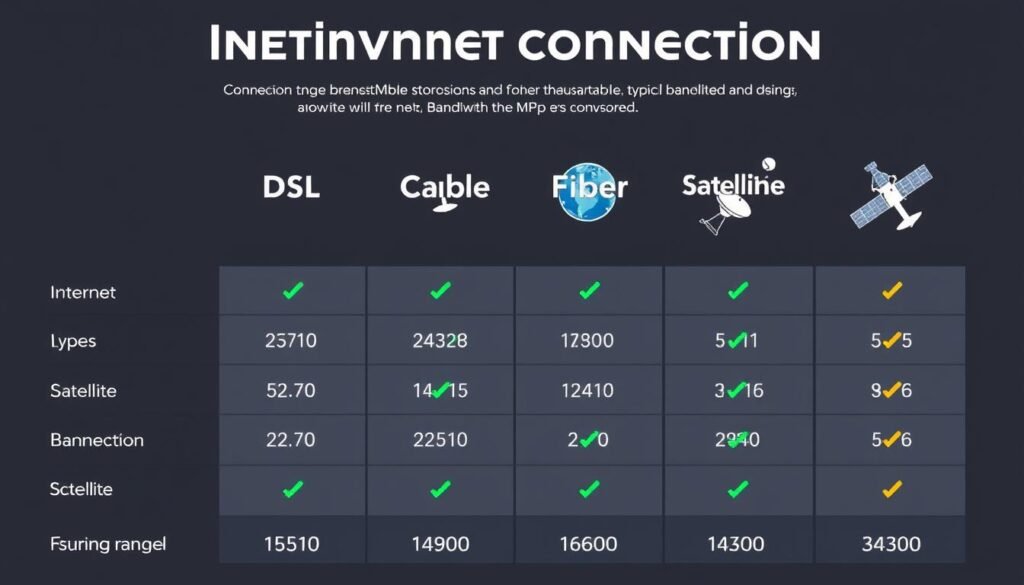
| Connection Type | Typical Download Speeds | Typical Upload Speeds | Best For |
| DSL | 5-35 Mbps | 1-10 Mbps | Basic internet usage, email, web browsing |
| Cable | 25-300 Mbps | 5-30 Mbps | Streaming, gaming, multiple users |
| Fiber | 300-1000+ Mbps | 300-1000+ Mbps | 4K streaming, large file transfers, many devices |
| Satellite | 12-100 Mbps | 3-20 Mbps | Rural areas without other options |
| 5G Fixed Wireless | 100-1000 Mbps | 10-100 Mbps | Areas with good 5G coverage, alternative to wired |
Tips for Optimizing Bandwidth Usage

Even with sufficient bandwidth, optimizing your usage can improve performance and reduce costs. Here are practical tips:
Schedule Heavy Usage
Schedule bandwidth-intensive activities like system updates, large downloads, or cloud backups during off-peak hours when fewer users are active.
Use Quality of Service (QoS)
Many modern routers offer QoS settings that let you prioritize certain activities (like video calls) over others (like downloads) during periods of congestion.
Optimize Video Quality
Streaming services like Netflix and YouTube automatically adjust quality based on available bandwidth, but you can manually lower resolution to reduce consumption.
Update Network Equipment
Outdated routers and modems may not support your connection’s full speed. Consider upgrading to newer equipment that supports current standards.
Use Wired Connections
When possible, use Ethernet cables instead of Wi-Fi for bandwidth-intensive devices like gaming consoles or streaming boxes to improve stability.
Monitor Bandwidth Usage
Use your router’s monitoring tools or third-party apps to identify which devices and applications use the most bandwidth, helping you make informed decisions.

Remember: No amount of optimization can overcome fundamentally insufficient bandwidth. If you consistently experience performance issues despite optimization, you may need to upgrade your internet plan.
Special Considerations for Businesses

Businesses have unique bandwidth requirements that differ from residential needs. Consider these factors when calculating business bandwidth:
Employee Productivity
Insufficient bandwidth can significantly impact employee productivity. Video conferencing, cloud applications, and file sharing all require adequate bandwidth to function properly.
Concurrent Users
Business bandwidth needs scale with the number of employees. A general rule of thumb is to allocate 15-20 Mbps per knowledge worker for basic productivity applications.
| Business Size | Recommended Bandwidth | Suitable For |
| 1-5 Employees | 50-100 Mbps | Small office with basic cloud applications |
| 5-10 Employees | 100-200 Mbps | Small business with moderate cloud usage |
| 10-30 Employees | 200-500 Mbps | Medium business with heavy cloud usage |
| 30-50 Employees | 500-1000 Mbps | Larger business with video conferencing |
| 50+ Employees | 1 Gbps+ | Enterprise with heavy data requirements |
Cloud Services
Businesses increasingly rely on cloud services for critical operations. Consider these bandwidth requirements for common business applications:
- Video conferencing (per participant): 2-6 Mbps
- VoIP phone systems (per line): 0.1 Mbps
- Cloud-based CRM/ERP: 2-5 Mbps per user
- Remote desktop/VDI: 5-10 Mbps per user
- Large file transfers/backups: 10+ Mbps

Redundancy and Service Level Agreements
For businesses, connection reliability is often as important as bandwidth. Consider redundant connections and service level agreements (SLAs) that guarantee uptime and performance.
Calculate your business bandwidth requirements
Our specialized Business Bandwidth Calculator helps you determine the optimal connection for your organization’s specific needs.
Conclusion: Finding Your Ideal Bandwidth

Determining your ideal bandwidth requirements doesn’t have to be complicated. By understanding the factors that influence bandwidth needs and using our Bandwidth Calculator, you can make informed decisions about your internet service.
Remember that bandwidth needs evolve over time as you add devices, adopt new technologies, or change usage patterns. Periodically reassessing your requirements ensures you always have the optimal connection for your needs – not paying for excess capacity you don’t use, but also not suffering from insufficient bandwidth.
Ready to find your perfect bandwidth?
Our Bandwidth Calculator provides personalized recommendations based on your specific usage patterns and needs.
The right bandwidth isn’t about having the fastest possible connection – it’s about having the right connection for your specific needs.