A day counter is an essential tool for anyone who needs to calculate the exact number of days between two dates. Whether you’re tracking pregnancy progress, counting down to a special event, managing project deadlines, or planning your vacation, our day counter provides accurate calculations in seconds. This comprehensive guide explains everything you need to know about counting days between dates, including business days, weekends, and holidays.
A day counter helps you easily track the exact number of days between any two dates
What Is a Day Counter and Why Use It?
A day counter is a specialized calculator that determines the exact number of days between any two dates. Unlike manual counting, which can be tedious and error-prone, a day counter instantly provides accurate results while accounting for complexities like leap years, varying month lengths, and even business days versus calendar days.
Using an online day counter saves time and eliminates the risk of calculation errors. It’s particularly valuable when precision matters, such as for legal deadlines, contract terms, or medical timelines where a single day’s miscalculation could have significant consequences.
Ready to Count Days Accurately?
Stop manually counting days on calendars and risking errors. Our day counter tool handles all the complexity for you.
Common Use Cases for a Day Counter
A day counter serves numerous practical purposes in both personal and professional contexts. Here are some of the most common scenarios where counting days accurately becomes essential:
Pregnancy Tracking
Expectant parents use day counters to track pregnancy progress, counting days since conception or calculating the due date. The typical pregnancy lasts about 280 days (40 weeks) from the first day of the last menstrual period, making accurate day counting crucial for monitoring development milestones.
Project Management
Project managers rely on day counters to track deadlines and milestones. By calculating business days between dates, they can accurately estimate completion times, allocate resources, and ensure projects stay on schedule. This is especially useful when planning around holidays and weekends.
Event Planning
Event planners use day counters to coordinate timelines for weddings, conferences, and other special occasions. Knowing exactly how many days remain helps with scheduling vendors, sending invitations at the right time, and managing all pre-event preparations.
Legal and Contract Deadlines
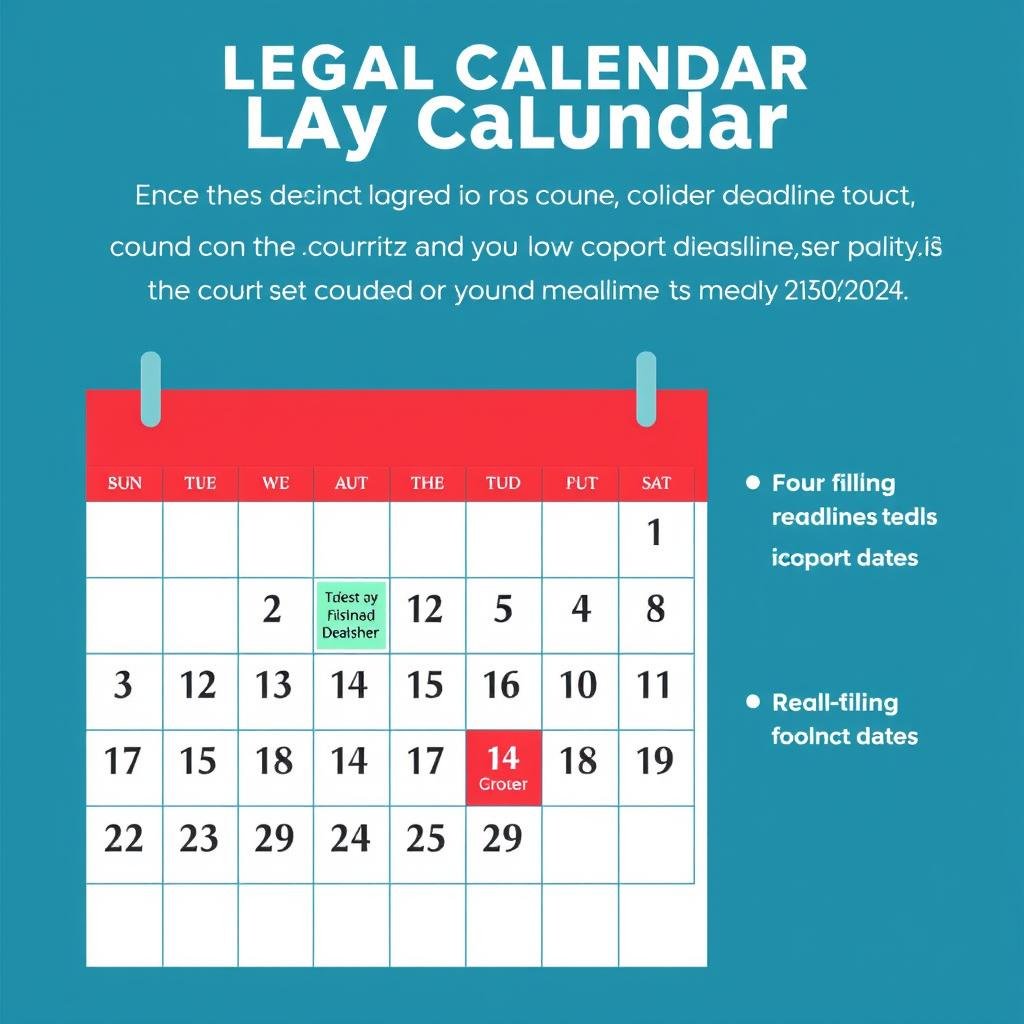
Legal professionals need precise day counting for filing deadlines, contract terms, and statute limitations. Many legal timeframes are specified in business days rather than calendar days, making an accurate day counter essential for compliance.
Find the Exact Days for Your Needs
Whether you’re counting down to a special event or tracking business days for a project, our day counter has you covered.
Benefits of Using an Online Day Counter
While you could manually count days on a physical calendar, an online day counter offers significant advantages that save time and improve accuracy:
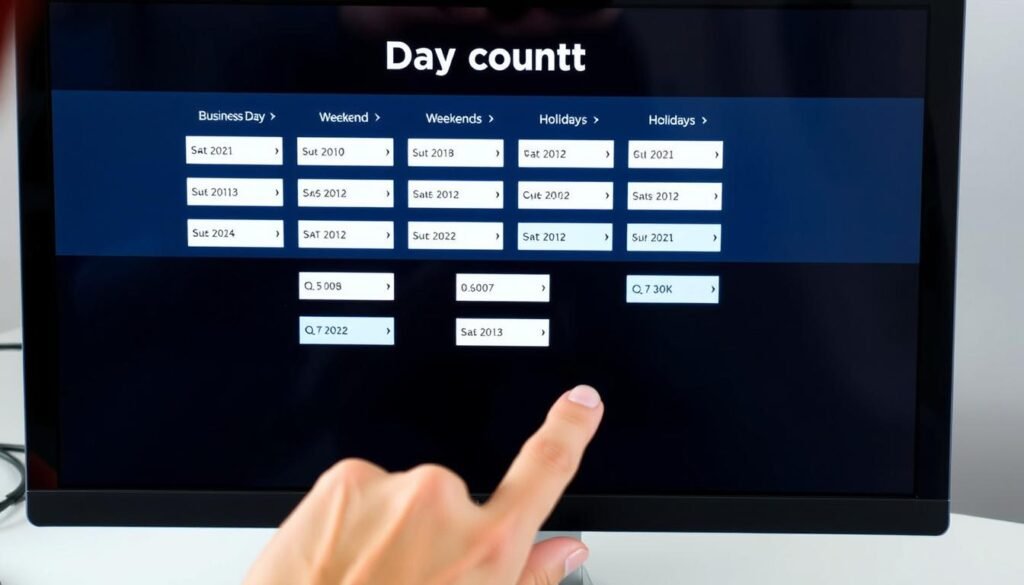
Online day counters offer multiple calculation options not available with manual counting
Advantages of Online Day Counters
- Instant calculations that save time and mental effort
- Automatic accounting for leap years and varying month lengths
- Ability to exclude weekends and holidays from calculations
- Option to include or exclude the end date in your count
- Precise results for long time periods that would be tedious to count manually
- Elimination of human counting errors
- Ability to save and reference multiple date calculations
Limitations of Manual Counting
- Time-consuming process, especially for longer periods
- Prone to human error, particularly when counting across month boundaries
- Difficult to account for leap years accurately
- Challenging to exclude weekends and holidays
- Requires physical calendar or mental calculation
- Inconsistent results when different people count the same period
- No easy way to verify the accuracy of your count
Did you know? The Gregorian calendar we use today was introduced in 1582 by Pope Gregory XIII. It features a leap year system that adds February 29 every four years (with special rules for century years) to keep our calendar aligned with Earth’s orbit around the sun.
How to Calculate Days Between Dates Manually
While online day counters are convenient, understanding how to calculate days between dates manually can be useful. Here’s a step-by-step guide to counting days between dates:
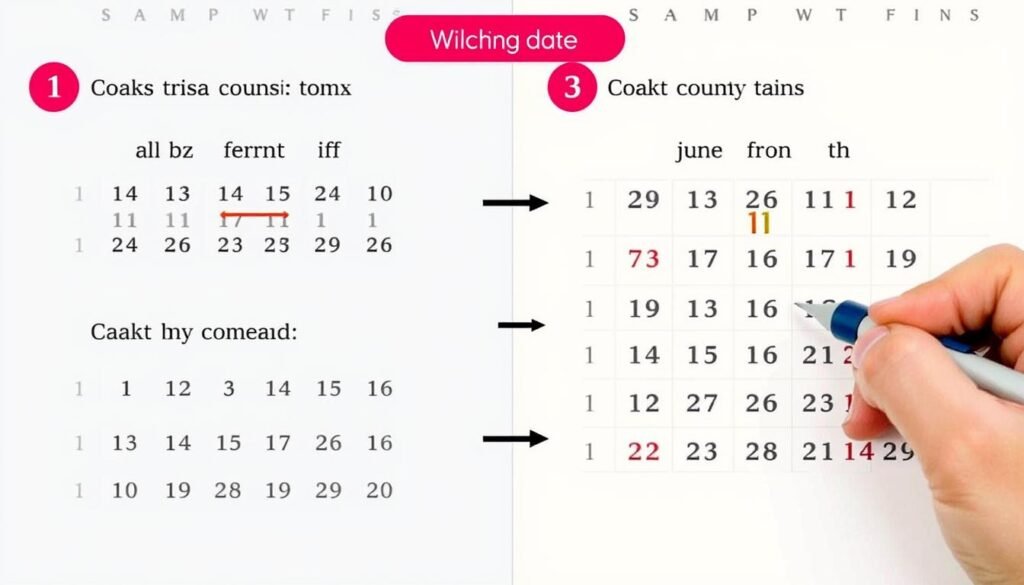
Manual calculation requires careful counting across calendar months
Basic Method for Counting Days
- Identify your start and end dates clearly on a calendar.
- Decide whether to include both the start and end dates in your count (inclusive) or just the days in between (exclusive).
- Count the remaining days in the start month after your start date.
- Count all days in the complete months between your start and end months.
- Count the days in the end month up to and including your end date (if using inclusive counting).
- Add all three numbers together to get your total days.
Accounting for Leap Years
When calculating days manually across multiple years, you need to account for leap years, which add an extra day (February 29). A year is a leap year if:
- It is divisible by 4 (e.g., 2020, 2024)
- Exception: Century years (e.g., 1900, 2000) are only leap years if divisible by 400
Example Calculation: To count days from March 15 to July 10 in the same year, you would count: remaining days in March (17) + days in April (30) + days in May (31) + days in June (30) + days in July up to the 10th (10) = 118 days total.
Skip the Complex Calculations
Why spend time on manual calculations when our day counter can do it instantly with perfect accuracy?
Calculating Business Days vs. Calendar Days
For many professional applications, counting only business days (typically Monday through Friday) is more relevant than counting all calendar days. This calculation becomes more complex when you need to exclude weekends and holidays.
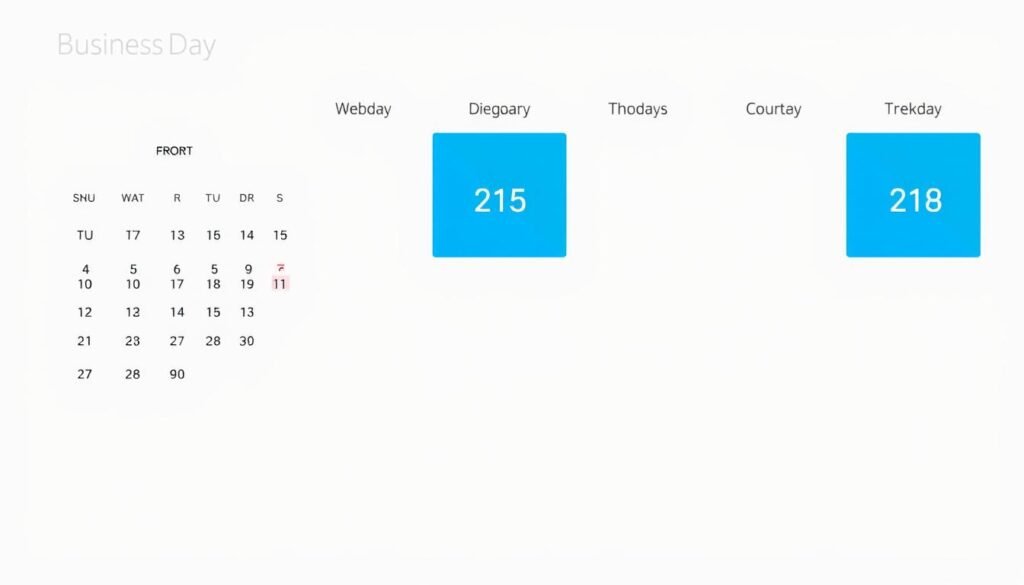
Business day counters distinguish between workdays, weekends, and holidays
How Business Day Counting Works
When counting business days between two dates, the process involves:
- Counting the total number of calendar days between the dates
- Identifying all Saturdays and Sundays in that period
- Subtracting these weekend days from the total
- Identifying any holidays that fall on weekdays in that period
- Subtracting these holidays from the remaining count
| Counting Method | Description | Typical Applications |
| Calendar Days | Counts all days including weekends and holidays | Pregnancy tracking, age calculation, event countdowns |
| Business Days | Counts only Monday through Friday, excluding holidays | Project deadlines, shipping estimates, contract terms |
| Custom Working Days | Counts based on custom-defined working days | Shift work, international business with different weekends |
Important: Different countries observe different holidays and sometimes even different weekend days. For international calculations, make sure your day counter accounts for the specific working calendar of each relevant country.
Special Considerations When Counting Days
Several factors can affect the accuracy of day counting in specific situations:

Time zones can affect which calendar date applies at a given moment
Time Zone Considerations
When counting days across different time zones, the same moment in time might fall on different calendar dates. For precise international calculations, it’s important to specify which time zone you’re using as a reference point.
Inclusive vs. Exclusive Counting
You can count days inclusively (including both the start and end dates) or exclusively (counting only the days between). For example, from Monday to Friday could be 5 days (inclusive) or 3 days (exclusive). Most day counters let you choose which method to use.
Different Calendar Systems
While the Gregorian calendar is most widely used today, some regions and religious contexts use different calendar systems like the Islamic, Hebrew, or Chinese calendars. These have different month lengths and leap year rules that affect day counting.
Historical Date Calculations
For historical dates before 1582 (when the Gregorian calendar was adopted), calculations may need to account for the Julian calendar previously in use, which had slightly different leap year rules.
Handle Complex Date Calculations with Ease
Our day counter handles all these special considerations automatically, giving you accurate results every time.
Frequently Asked Questions About Day Counters

Common questions about day counting have straightforward answers
How accurate are day counters?
Modern day counters are extremely accurate as they’re built on well-established calendar algorithms. They correctly account for varying month lengths, leap years, and century rules in the Gregorian calendar. The accuracy is essentially perfect for dates within the Gregorian calendar period (from 1582 onward).
Do day counters include both start and end dates?
Most day counters give you the option to include or exclude the end date in your calculation. This is sometimes called “inclusive” (counting both start and end dates) or “exclusive” (counting only the days between) counting. For example, from Monday to Friday would be 5 days inclusive, but 3 days exclusive.
Can day counters calculate business days versus calendar days?
Yes, quality day counters can calculate business days (typically Monday through Friday, excluding holidays) as well as total calendar days. Some advanced day counters allow you to customize which days count as business days and which holidays to exclude from the count.
How do day counters handle time zones?
Most basic day counters work with calendar dates only and don’t factor in time zones. For applications where time zones matter, you should use a more specialized calculator that can account for specific times and time zone differences. This is particularly important for international deadlines or events.
Can I count days backward from a future date?
Yes, day counters work in both directions. You can count forward from a past date to a future date, or backward from a future date to determine when you need to start something. This is useful for planning projects or preparations that need to be completed by a specific deadline.
Why Use Our Day Counter Tool
Accurate day counting is essential for many personal and professional situations. Our day counter tool eliminates the complexity and potential errors of manual calculations, giving you instant, reliable results for any date range. Whether you’re tracking pregnancy progress, managing project timelines, planning events, or handling legal deadlines, our tool provides the precision you need.
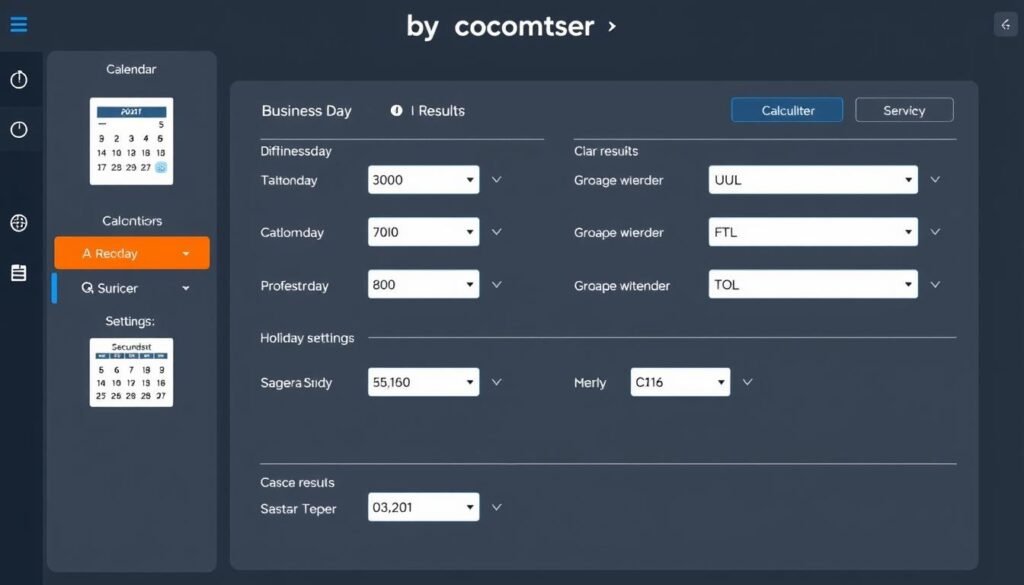
Our day counter provides comprehensive options for all your date calculation needs
With features like business day calculation, holiday exclusion, and flexible counting options, our day counter adapts to your specific needs. Save time, ensure accuracy, and eliminate the frustration of manual counting with our intuitive, powerful day counting tool.
Start Counting Days Accurately Today
Join thousands of users who rely on our day counter for all their date calculation needs.