Hexadecimal numbers form the backbone of modern computing systems, providing an efficient way to represent binary data in a more human-readable format. A hex calculator is an essential tool for programmers, computer scientists, and electronics enthusiasts who need to perform calculations in the base-16 number system. This comprehensive guide will walk you through everything you need to know about hexadecimal calculations, from basic operations to practical applications.
Understanding the Hexadecimal Number System
The hexadecimal (or hex) number system uses a base of 16, compared to the decimal system’s base of 10. This means it requires 16 different symbols to represent values: the digits 0-9 and the letters A-F, where A represents 10, B represents 11, and so on up to F representing 15.
The hexadecimal number system uses 16 digits: 0-9 and A-F
Hexadecimal numbers are particularly useful in computing because each hex digit perfectly represents four binary digits (bits). This creates a convenient shorthand for working with binary data. For example, the binary number 1010 1101 can be written as AD in hexadecimal, making it much more compact and easier to read.
| Hexadecimal | Decimal | Binary |
| 0 | 0 | 0000 |
| 1 | 1 | 0001 |
| 2 | 2 | 0010 |
| 9 | 9 | 1001 |
| A | 10 | 1010 |
| F | 15 | 1111 |
| 10 | 16 | 0001 0000 |
| FF | 255 | 1111 1111 |
Hexadecimal Conversions
Decimal to Hexadecimal Conversion
Converting from decimal to hexadecimal involves repeatedly dividing the decimal number by 16 and tracking the remainders. The process works as follows:
- Divide the decimal number by 16.
- Record the remainder (this will be a hex digit).
- Divide the quotient by 16.
- Repeat steps 2-3 until the quotient becomes 0.
- Read the remainders in reverse order to get the hex value.

Converting decimal 173 to hexadecimal (AD) through division by 16
Hexadecimal to Decimal Conversion
Converting from hexadecimal to decimal involves multiplying each digit by the appropriate power of 16 based on its position:
For a hex number like 2AF, the decimal value would be:
(2 × 16²) + (A × 16¹) + (F × 16⁰)
(2 × 256) + (10 × 16) + (15 × 1)
512 + 160 + 15 = 687
This process works because each position in a hexadecimal number represents a power of 16, just as each position in a decimal number represents a power of 10.
Hex Calculator Operations
Hexadecimal Addition
Hex addition follows similar rules to decimal addition, with the key difference being that you need to carry over when the sum exceeds 15 (F). Here’s how to perform hex addition:

Hexadecimal addition example: 8AB + B78 = 1423
When adding hex digits, remember that if the sum exceeds F (15 in decimal), you need to carry over to the next column. For example, C + 5 = 12 + 5 = 17 decimal, which is 11 in hex (carry 1, write 1).
Hexadecimal Subtraction
Hex subtraction works like decimal subtraction, but with a crucial difference: when borrowing, you borrow 16 instead of 10. This is because each column in hex is 16 times larger than the column to its right.
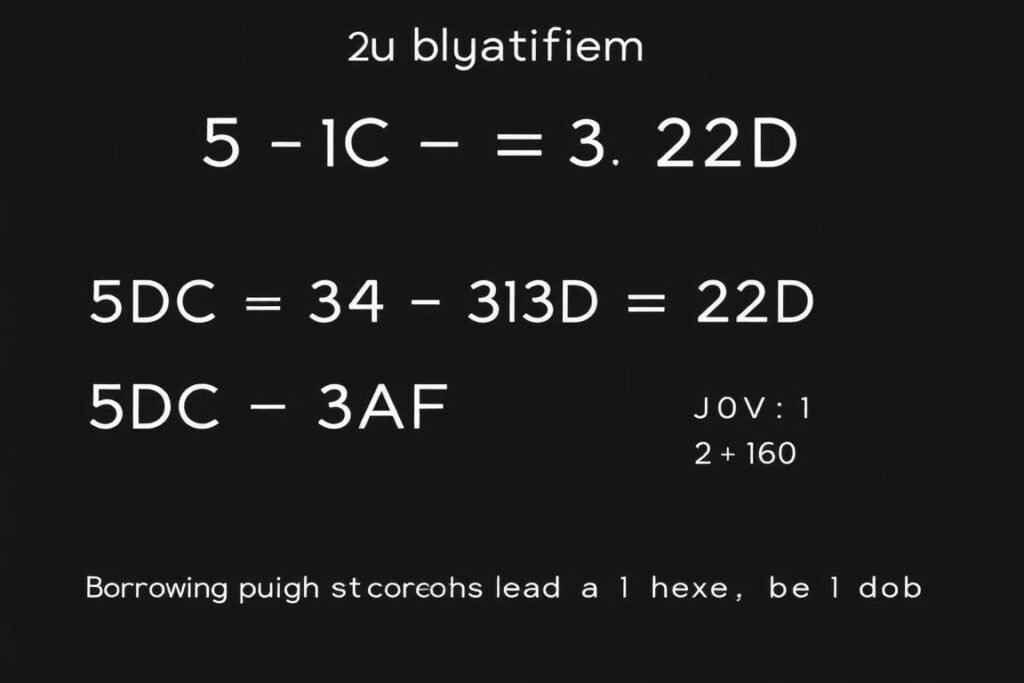
Hexadecimal subtraction example: 5DC – 3AF = 22D
Hexadecimal Multiplication
Hex multiplication can be performed using the long multiplication method, similar to decimal multiplication. The main challenge is keeping track of the hex digit products, which is why having a hex multiplication table can be helpful.

Hexadecimal multiplication example: AB × 1F = 14B5
Hexadecimal Division
Hex division follows the same principles as decimal long division, but with hex digits. The process can be complex, so many practitioners convert to decimal, perform the division, and then convert back to hex.

Hexadecimal division example: 9CC0C ÷ A = FACE
Real-World Applications of Hex Calculators
Programming and Software Development
Hex calculators are essential tools for programmers who need to work with memory addresses, byte values, and binary data. Many programming languages use hexadecimal notation for:
- Memory addresses and pointers
- Bitwise operations
- Defining color values (e.g., #FF5733 in CSS)
- Representing escape sequences
- Debugging and viewing memory dumps
Digital Electronics and Hardware
Electronics engineers and hardware designers frequently use hex notation for:
- Microcontroller programming
- FPGA configuration
- Hardware register values
- Firmware development
- Digital signal processing

Hex calculators are essential tools in both software development and hardware engineering
Networking and Cybersecurity
Network administrators and security professionals use hex notation for:
- MAC addresses (e.g., 00:1A:2B:3C:4D:5E)
- IPv6 addresses
- Network packet analysis
- Cryptographic operations
- Security key generation
Computer Graphics and Design
Graphic designers and developers use hex values for:
- Color codes in web design
- Image processing algorithms
- 3D graphics programming
- Texture mapping
- Shader programming
Step-by-Step Guide to Manual Hex Calculations
While hex calculators automate the process, understanding how to perform these calculations manually is valuable for developing a deeper understanding of the hexadecimal system.
Learning to perform hex calculations manually builds a stronger understanding of the number system
Manual Hex Addition Example
Problem: Add 3A7 and 58E
Step 1: Align the numbers and add each column from right to left.
7 + E = 7 + 14 = 21 decimal = 15 hex (write 5, carry 1)
A + 8 + 1(carried) = 10 + 8 + 1 = 19 decimal = 13 hex (write 3, carry 1)
3 + 5 + 1(carried) = 3 + 5 + 1 = 9 hex
Result: 935
Manual Hex Subtraction Example
Problem: Subtract 28F from 5A3
Step 1: Align the numbers and subtract each column from right to left.
3 – F = 3 – 15 = negative, so borrow 16 from the next column: 3 + 16 – 15 = 4
A – 8 – 1(borrowed) = 10 – 8 – 1 = 1
5 – 2 = 3
Result: 314
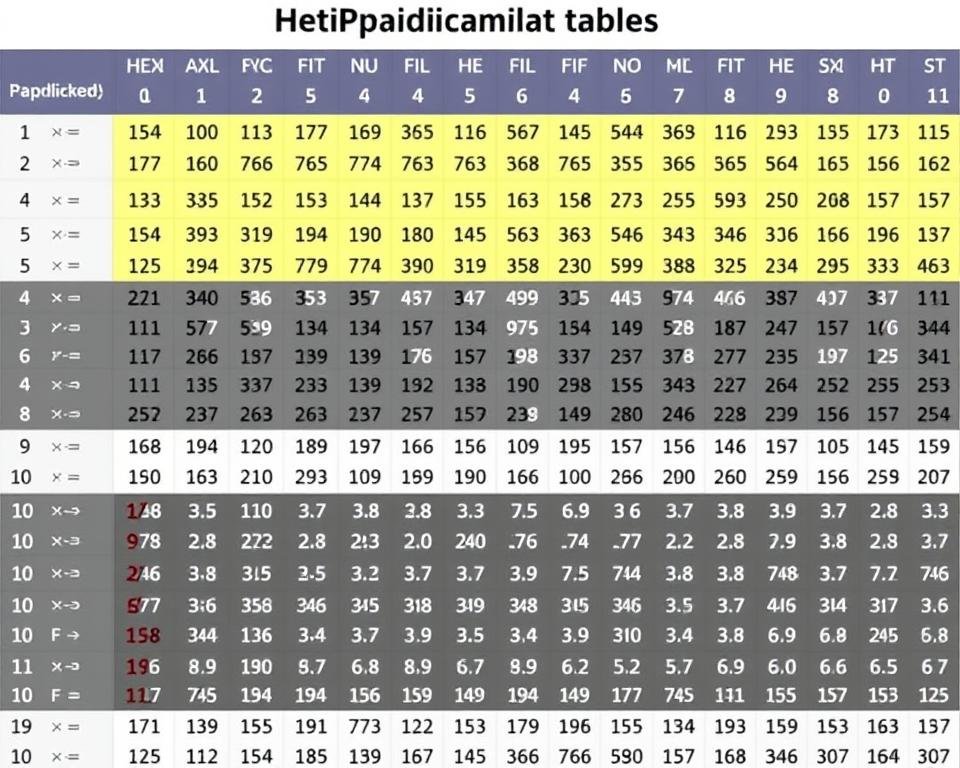
Hexadecimal multiplication table for reference in manual calculations
Comparing Number Systems: Hexadecimal, Decimal, and Binary
| Feature | Binary (Base-2) | Decimal (Base-10) | Hexadecimal (Base-16) |
| Digits Used | 0, 1 | 0-9 | 0-9, A-F |
| Digit Values | 0-1 | 0-9 | 0-15 |
| Place Values | Powers of 2 | Powers of 10 | Powers of 16 |
| Efficiency for Humans | Low (verbose) | High (familiar) | Medium (compact) |
| Computer Representation | Direct (native) | Requires conversion | Simple conversion (4 bits = 1 hex) |
| Common Uses | Machine code, digital logic | General mathematics, everyday counting | Memory addresses, color codes, debugging |

The number 42 represented in decimal, binary (101010), and hexadecimal (2A)
The hexadecimal system offers a perfect balance between human readability and computer efficiency. While binary is the native language of computers, it’s too verbose for humans. Decimal is natural for humans but doesn’t align well with binary. Hexadecimal bridges this gap by providing a compact representation where each hex digit precisely represents four binary digits.
Tips for Using Hex Calculators Effectively
For Beginners
- Practice converting between decimal and hex until it becomes intuitive
- Memorize the values of A-F (10-15 in decimal)
- Start with simple addition and subtraction before moving to more complex operations
- Use a hex calculator to verify your manual calculations
- Remember that each hex digit represents exactly 4 binary digits
For Advanced Users
- Learn bitwise operations in hexadecimal
- Practice mental conversion for common values
- Understand how to manipulate individual bits within a hex value
- Learn hexadecimal shortcuts for specific applications
- Develop intuition for hex values in your specific field

Effective hex calculator usage combines understanding the underlying principles with practical application
“Understanding hexadecimal isn’t just about knowing how to convert numbers—it’s about developing an intuition for the base-16 system that allows you to work efficiently in computing environments.”
Frequently Asked Questions About Hex Calculations
Why is hexadecimal used in computing instead of decimal?
Hexadecimal is used in computing because it provides a convenient way to represent binary data. Since each hex digit represents exactly 4 binary digits (bits), it creates a compact and human-readable format for binary values. This makes it particularly useful for representing memory addresses, color codes, and other binary data in a more manageable form.
How do I identify a hexadecimal number in code?
In most programming languages, hexadecimal numbers are prefixed with “0x” or “0X” (e.g., 0x1A3F). In web development, hex color codes are often prefixed with a hash symbol (e.g., #FF5733). Some languages may use a suffix like “h” (e.g., 1A3Fh) to denote hex values.
Can hexadecimal represent negative numbers?
Yes, hexadecimal can represent negative numbers using the same methods used in binary: two’s complement, one’s complement, or sign-magnitude representation. In most computer systems, two’s complement is used, where the most significant bit indicates the sign (0 for positive, 1 for negative).
What’s the difference between uppercase and lowercase hex letters?
Functionally, there is no difference between using uppercase (A-F) or lowercase (a-f) letters in hexadecimal notation. Both represent the same values (10-15 in decimal). The choice is often a matter of style or convention in different programming languages or documentation standards.
How do I convert between hexadecimal and binary?
Converting between hex and binary is straightforward because each hex digit represents exactly 4 binary digits:
– To convert from hex to binary: Replace each hex digit with its 4-bit binary equivalent.
– To convert from binary to hex: Group the binary digits into sets of 4 (starting from the right), then convert each group to its hex equivalent.
Common questions about hexadecimal calculations and their practical applications
Conclusion: Mastering Hexadecimal Calculations
Hexadecimal calculations are an essential skill for anyone working in computing, programming, digital electronics, or related fields. While online hex calculators make these operations easier, understanding the underlying principles of the hexadecimal system provides valuable insights into how computers represent and process data.
By mastering hex addition, subtraction, multiplication, division, and conversions, you’ll be better equipped to work with memory addresses, color codes, binary data, and other technical applications. The hexadecimal system serves as an elegant bridge between human-readable numbers and the binary language of computers.
Whether you’re a student, professional programmer, electronics engineer, or just someone curious about number systems, developing proficiency with hexadecimal calculations will enhance your technical capabilities and deepen your understanding of computing fundamentals.
Join Our Tech Community
Subscribe to our newsletter for more tutorials, calculators, and resources on programming, electronics, and computing fundamentals. Stay updated with the latest tools and techniques for technical calculations.