Calculating the hours between two times can be challenging, especially when dealing with different formats, lunch breaks, or crossing from AM to PM. An Hours Calculator simplifies this process, helping you accurately determine time differences for work hours, project tracking, or any time-based calculation. This comprehensive guide explains everything you need to know about calculating hours effectively.
What is an Hours Calculator?
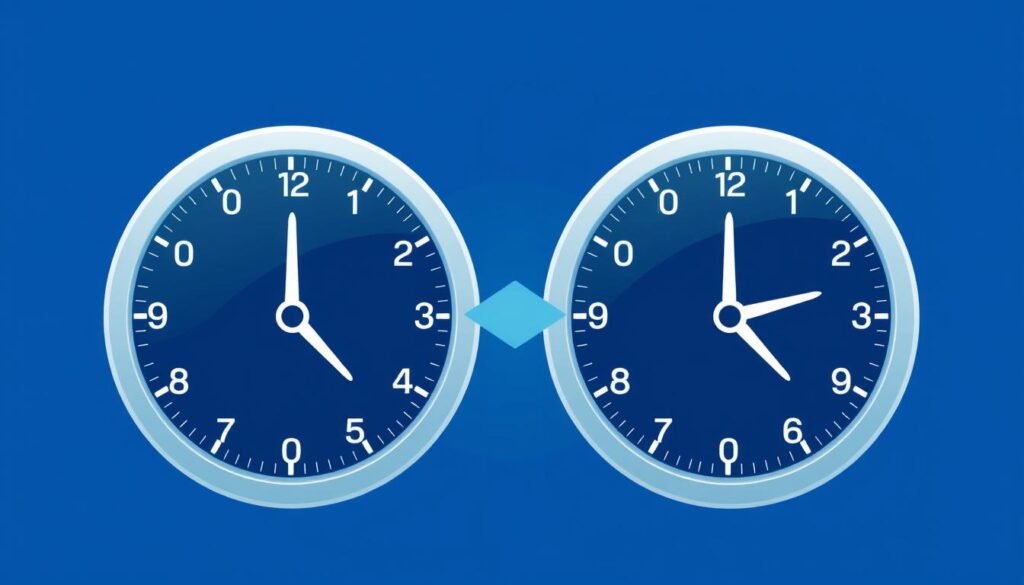
An Hours Calculator is a specialized tool designed to determine the exact time difference between two points in time. Whether you’re tracking work hours, calculating billable time for clients, or simply figuring out the duration of an event, an hours calculator provides accurate results in both hours:minutes format and decimal hours.
Unlike manual calculations that can be prone to errors, especially when dealing with AM/PM conversions or lunch breaks, an hours calculator handles these complexities automatically. It can work with both 12-hour and 24-hour time formats, making it versatile for users worldwide.
Need to Calculate Hours Right Now?
Our online Hours Calculator is available to help you instantly determine time differences with perfect accuracy.
Common Uses for an Hours Calculator

Work Hour Tracking
Calculate total hours worked for payroll, including handling lunch breaks and overtime calculations. Perfect for hourly employees and freelancers who need to track billable hours.
Project Time Management
Track time spent on different projects or tasks to analyze productivity, estimate future projects, and optimize workflow efficiency.
Event Duration Planning
Calculate the duration of events, meetings, or appointments to better manage schedules and ensure proper time allocation.
Many professionals rely on hours calculators daily. Employers use them for payroll processing, freelancers for client billing, project managers for resource allocation, and individuals for personal time management. The versatility of an hours calculator makes it an essential tool across various industries and personal applications.

How to Calculate Hours Manually
While an hours calculator automates the process, understanding how to calculate hours manually is valuable. Here’s a step-by-step guide to calculating hours between two times:
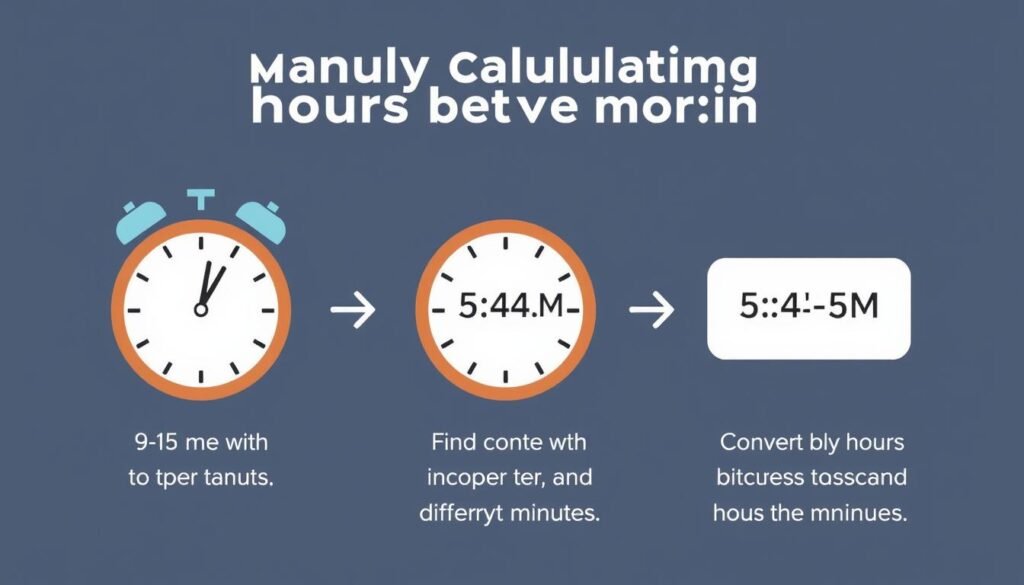
Basic Hours Calculation Method
Example: Calculating from 9:15 AM to 5:45 PM
| Step | Calculation | Result |
| Convert to 24-hour | 9:15 AM = 09:15, 5:45 PM = 17:45 | 09:15 and 17:45 |
| Convert to minutes | (9 × 60) + 15 = 555, (17 × 60) + 45 = 1065 | 555 and 1065 minutes |
| Find difference | 1065 – 555 | 510 minutes |
| Convert back | 510 ÷ 60 = 8.5 hours or 8 hours 30 minutes | 8:30 or 8.5 hours |
Calculating with Lunch Breaks
When calculating work hours with lunch breaks or other non-working periods, you need to subtract the break time from the total hours:
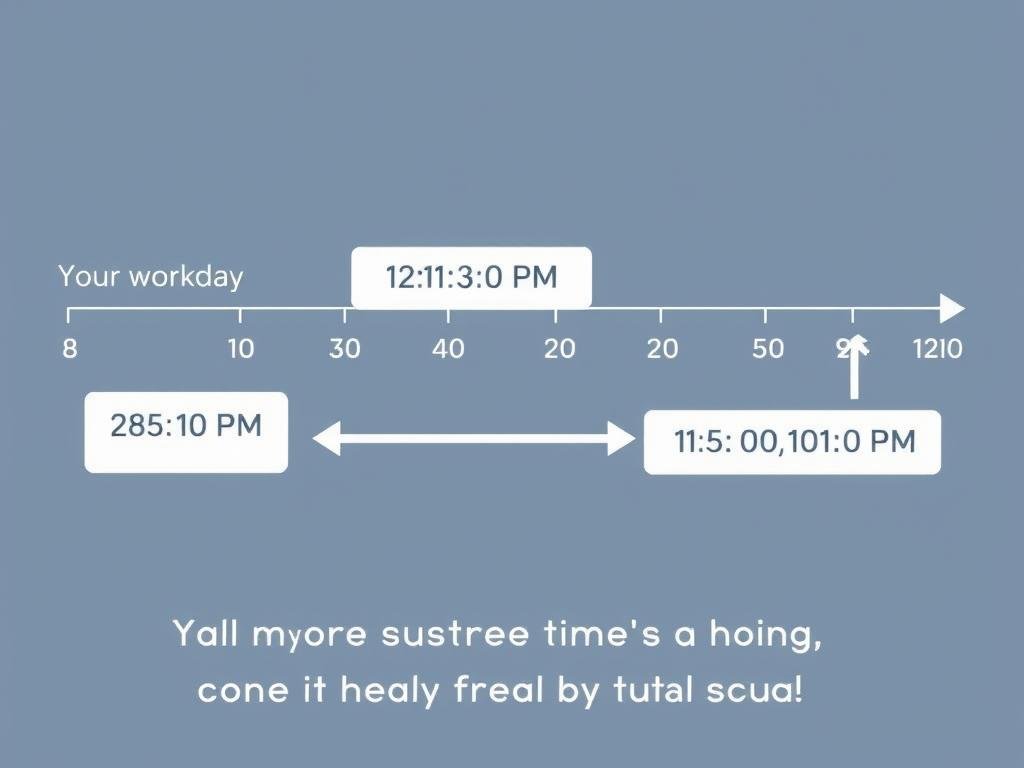
For example, if you worked from 8:00 AM to 5:00 PM with a 1-hour lunch break, your calculation would be:
- Total time: 9 hours (5:00 PM – 8:00 AM)
- Break time: 1 hour
- Working hours: 8 hours (9 – 1)
Skip the Manual Calculations
Why calculate manually when our Hours Calculator can do it instantly? Try it now and save time.
Understanding Different Time Formats
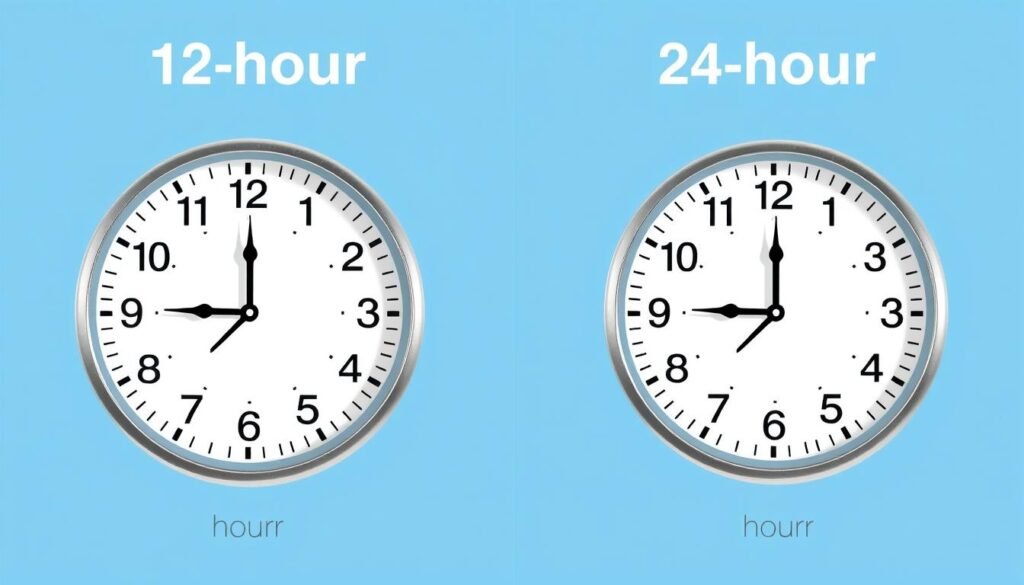
When working with an Hours Calculator, you’ll encounter different time formats. Understanding these formats is crucial for accurate calculations.
12-Hour vs. 24-Hour Clock
12-Hour Clock (AM/PM)
The 12-hour clock divides the day into two periods: AM (ante meridiem, before noon) and PM (post meridiem, after noon). This format is commonly used in the United States and some other countries.
Key points to remember:
- 12:00 AM represents midnight
- 12:00 PM represents noon
- Hours run from 1 to 12 twice daily
24-Hour Clock (Military Time)
The 24-hour clock runs from 00:00 to 23:59, eliminating the need for AM/PM designations. This format is widely used in Europe, the military, healthcare, and other industries where time precision is critical.
Key points to remember:
- 00:00 represents midnight
- 12:00 represents noon
- Hours from 13:00 to 23:59 represent 1:00 PM to 11:59 PM
Digital Time vs. Decimal Hours
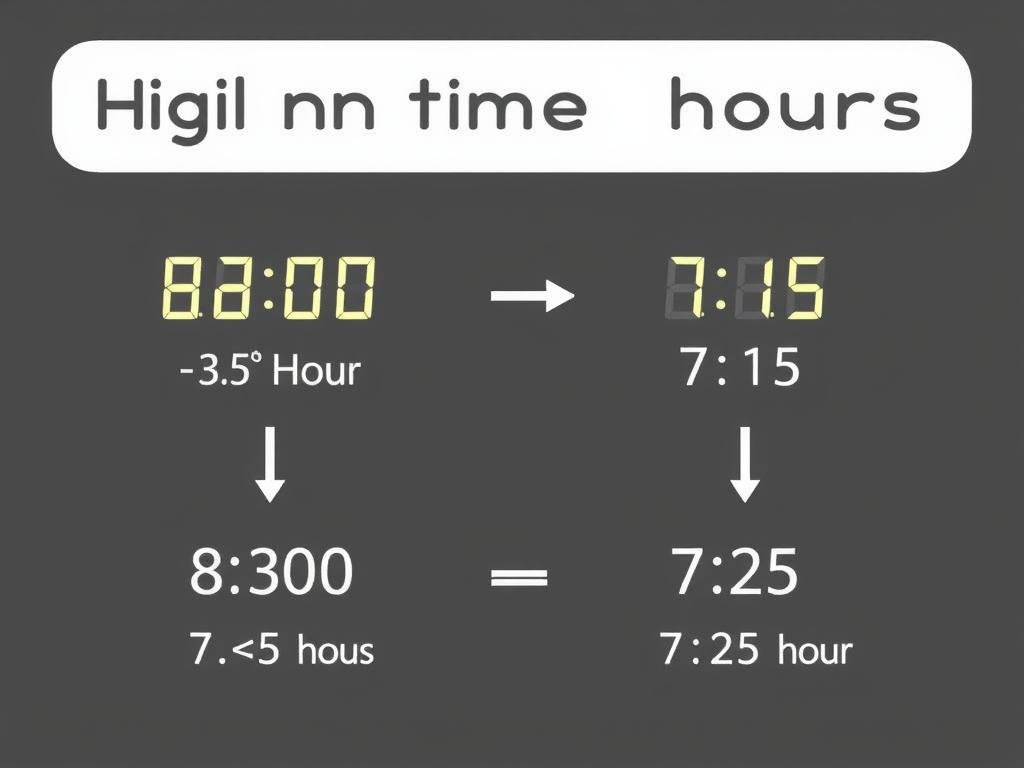
When calculating hours, you’ll often need to convert between digital time format (hours:minutes) and decimal hours:
| Digital Time (hh:mm) | Decimal Hours | Conversion Formula |
| 8:15 | 8.25 | 8 + (15/60) = 8.25 |
| 7:30 | 7.5 | 7 + (30/60) = 7.5 |
| 9:45 | 9.75 | 9 + (45/60) = 9.75 |
| 6:20 | 6.33 | 6 + (20/60) = 6.33 |
To convert from digital time to decimal hours:
- Take the minutes portion of the time
- Divide by 60 to convert to hours
- Add to the hours portion
To convert from decimal hours to digital time:
- Take the decimal portion
- Multiply by 60 to get minutes
- Combine with the whole hours portion
Tips for Accurate Hours Calculation
Be Consistent with Time Formats
Always use the same time format (either 12-hour or 24-hour) when calculating hours manually. Mixing formats is a common source of errors. If you must work with both formats, convert everything to 24-hour format first.
Handle Overnight Shifts Correctly
When calculating hours for shifts that cross midnight, remember that the end time is on the next day. For example, a shift from 10:00 PM to 6:00 AM spans 8 hours, not -4 hours (which would be the result if calculated incorrectly).
Account for All Breaks
Be meticulous about recording all breaks, including short ones. Even 15-minute breaks add up over time and can significantly impact payroll calculations or billing if not properly accounted for.
Rounding Practices
Different workplaces have different policies for rounding time entries. Common approaches include:
| Rounding Method | Description | Example |
| 15-Minute Rule (Quarter Hour) | Round to nearest 15 minutes (0.25 hour) | 8:07 becomes 8:00, 8:08 becomes 8:15 |
| 6-Minute Rule (Tenth Hour) | Round to nearest 6 minutes (0.1 hour) | 8:03 becomes 8:00, 8:04 becomes 8:06 |
| 5-Minute Rule | Round to nearest 5 minutes | 8:02 becomes 8:00, 8:03 becomes 8:05 |
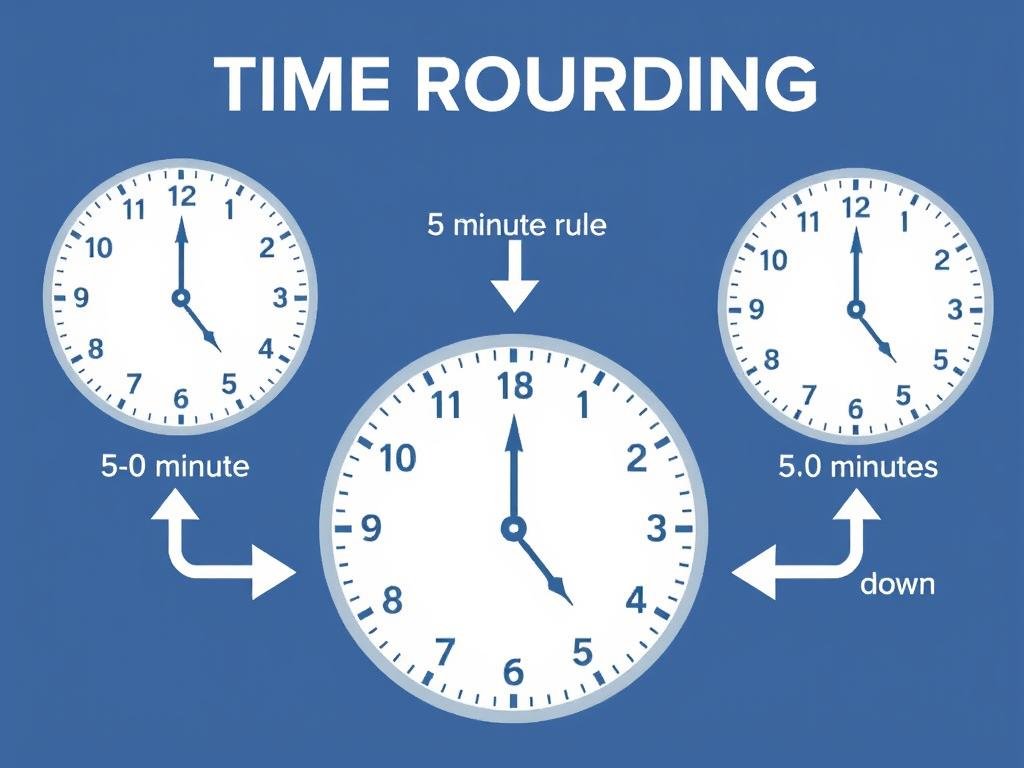
Pro Tip: Always check your employer’s specific rounding policy. While the 7-minute rule (rounding to nearest quarter hour) is common in the US, policies vary by organization and country. Using an Hours Calculator eliminates rounding errors and ensures compliance with your workplace policies.
Frequently Asked Questions About Hours Calculation

How do I calculate overtime hours?
To calculate overtime hours, first determine your standard work hours (typically 40 hours per week in the US). Any hours worked beyond this threshold are considered overtime. For example, if you worked 45 hours in a week, you have 5 overtime hours. Some jurisdictions also calculate daily overtime for hours worked beyond 8 in a single day.
How do I convert minutes to decimal hours?
To convert minutes to decimal hours, divide the number of minutes by 60. For example, 30 minutes equals 0.5 hours (30 ÷ 60 = 0.5), and 45 minutes equals 0.75 hours (45 ÷ 60 = 0.75).
How many hours are in different time periods?
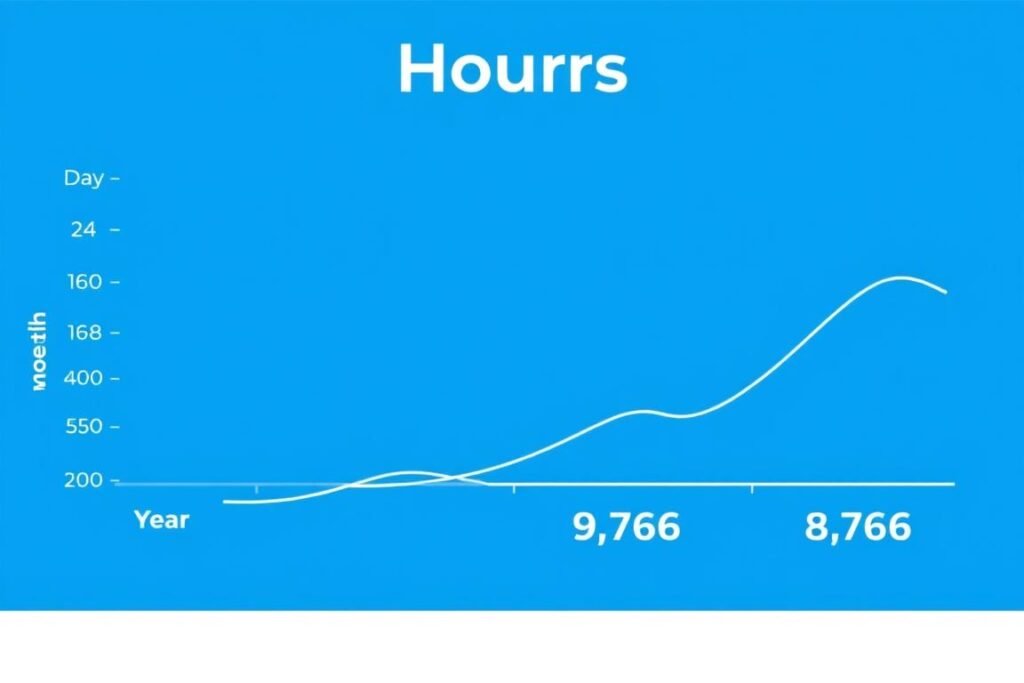
There are 24 hours in a day, 168 hours in a week (7 days), approximately 730.5 hours in an average month, and 8,766 hours in an average year (accounting for leap years). Specific months have different hour counts: 31-day months have 744 hours, 30-day months have 720 hours, and February has 672 hours (696 in leap years).
How do I calculate hours for overnight shifts?
For overnight shifts, treat the end time as being on the next day. Calculate the total minutes from the start time to midnight, then add the minutes from midnight to the end time. For example, for a shift from 10:00 PM to 6:00 AM: from 10:00 PM to midnight is 2 hours (120 minutes), and from midnight to 6:00 AM is 6 hours (360 minutes). Total: 8 hours (480 minutes).
What’s the difference between hours:minutes format and decimal hours?
Hours:minutes (hh:mm) format expresses time in hours and minutes separated by a colon, such as 8:30 for 8 hours and 30 minutes. Decimal hours express the same time as a single number with a decimal point, such as 8.5 hours. Decimal hours are commonly used for payroll calculations because they simplify mathematical operations.

Simplify Your Time Calculations Today
Calculating hours between times doesn’t have to be complicated. Whether you’re tracking work hours for payroll, managing project time, or planning your schedule, understanding how to calculate hours accurately is an essential skill. While manual calculations are possible using the methods outlined in this guide, an Hours Calculator streamlines the process and eliminates potential errors.
Remember to consider factors like time formats, break times, and rounding policies when calculating hours. For the most accurate and efficient results, use a dedicated Hours Calculator that can handle these complexities automatically.
Ready to Calculate Hours with Precision?
Our Hours Calculator handles all time formats, break deductions, and conversion between digital and decimal time automatically.
Whether you’re an employee tracking work hours, an employer managing payroll, or anyone needing to calculate time differences, our Hours Calculator provides the accuracy and convenience you need. Save time and eliminate calculation errors today!