Managing employee work hours shouldn’t be a headache. Whether you’re a business owner juggling multiple timesheets or an employee tracking your own hours, an accurate time card calculator can transform this tedious task into a simple, error-free process. Our comprehensive guide explores everything you need to know about time card calculations, from basic time tracking to overtime calculations and digital timesheet management.
What Is a Time Card Calculator and Why Do You Need One?
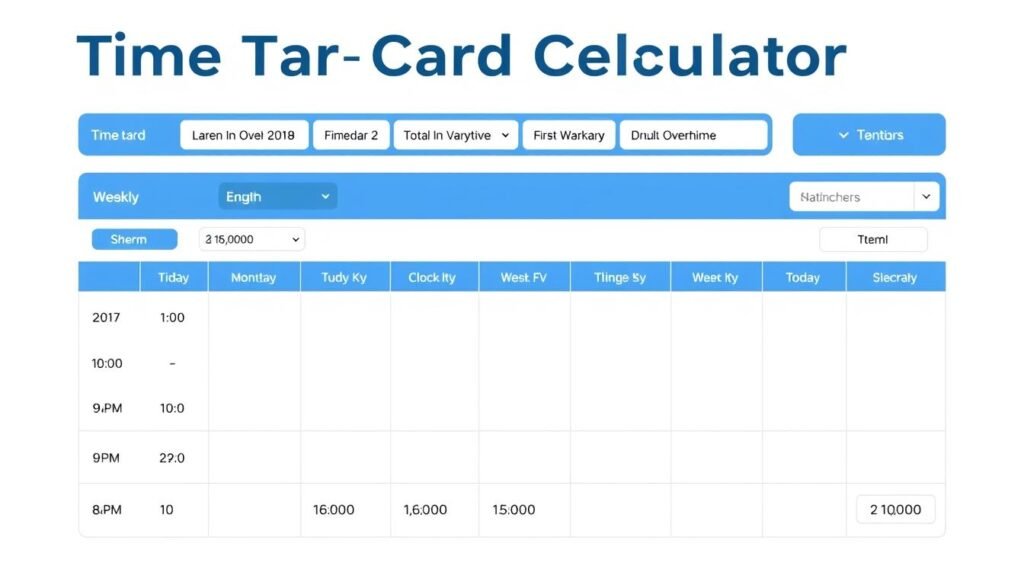
A time card calculator is a digital tool designed to accurately track and compute employee work hours, breaks, overtime, and pay rates. Unlike traditional paper timesheets or punch cards, a digital time card calculator eliminates human error and provides instant calculations for hours worked and wages earned.
For businesses, accurate time tracking is essential for payroll processing, labor cost management, and compliance with labor laws. For employees, it ensures fair compensation for every minute worked, including overtime hours that might otherwise go unnoticed.
Ready to Simplify Your Time Tracking?
Stop struggling with manual calculations and spreadsheets. Our time card calculator handles the math so you can focus on your business.
How Time Card Calculations Work
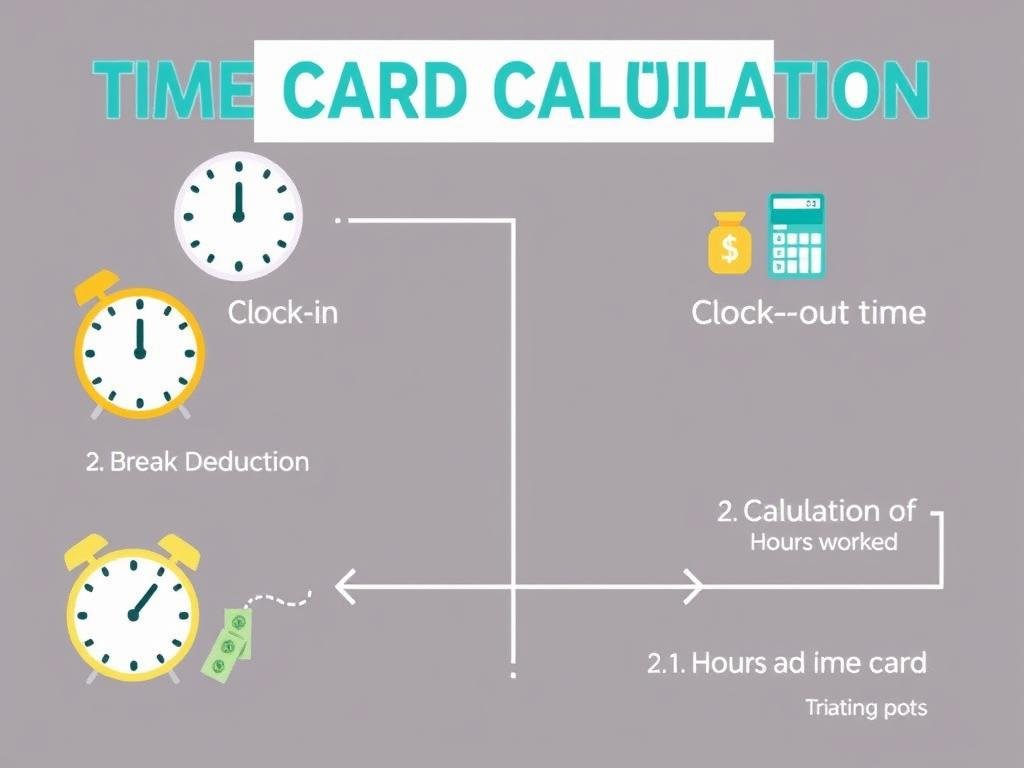
Understanding how time card calculations work is crucial for both employers and employees. The basic formula is simple: subtract the clock-in time from the clock-out time to determine total hours worked. However, several factors can complicate this calculation:
Basic Time Calculation
The foundation of any time card calculator is the ability to convert time entries into decimal hours. For example, if an employee works from 9:00 AM to 5:30 PM, the calculator converts this to 8.5 hours. This conversion is essential for accurate payroll processing.
Break Deductions
Most workplaces require lunch breaks and rest periods. A time card calculator automatically deducts unpaid break time from the total hours worked. For instance, if an employee takes a 30-minute unpaid lunch break during an 8-hour shift, the billable hours would be 7.5.
Overtime Calculations
According to the Fair Labor Standards Act (FLSA), non-exempt employees must receive overtime pay for hours worked beyond 40 per workweek. A time card calculator identifies when an employee crosses this threshold and applies the appropriate overtime rate (typically 1.5 times the standard hourly rate).
Benefits of Using a Digital Time Card System
Accuracy and Error Reduction
Manual time tracking is prone to errors—from misreading clock times to calculation mistakes. Digital time card calculators eliminate these issues by automating the math and providing precise calculations down to the minute.
Time Savings
Processing timesheets manually can consume hours of administrative time each pay period. A digital time card calculator completes these calculations instantly, freeing up valuable time for more important tasks.
Compliance with Labor Laws
Staying compliant with labor regulations is essential for avoiding costly penalties. Digital time card systems help ensure proper overtime calculations and maintain accurate records required by labor laws.

Improved Payroll Accuracy
By eliminating manual calculations, digital time card systems reduce payroll errors and ensure employees receive accurate compensation for their work hours.
Enhanced Record Keeping
Digital systems maintain comprehensive records of all time entries, making it easy to access historical data for audits, disputes, or reporting purposes.
Experience These Benefits Yourself
Join thousands of businesses that have streamlined their time tracking processes with our easy-to-use calculator.
Common Time Card Calculation Scenarios
Standard Workweek Calculation
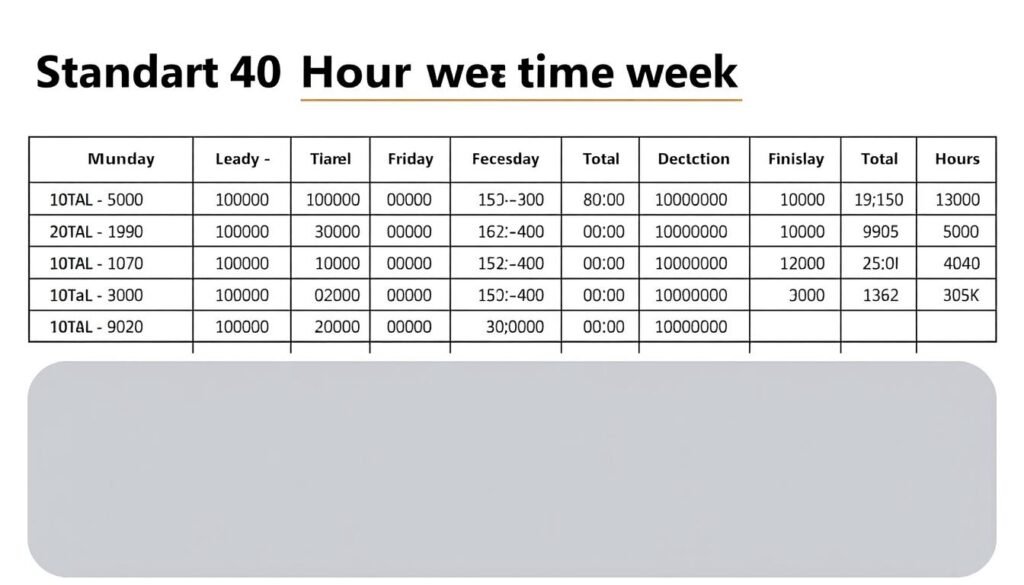
For a typical 40-hour workweek with consistent 8-hour days, the calculation is straightforward. If an employee works Monday through Friday from 9:00 AM to 5:30 PM with a 30-minute lunch break each day, the time card calculator would show:
| Day | Clock In | Clock Out | Break | Hours Worked |
| Monday | 9:00 AM | 5:30 PM | 30 min | 8.0 |
| Tuesday | 9:00 AM | 5:30 PM | 30 min | 8.0 |
| Wednesday | 9:00 AM | 5:30 PM | 30 min | 8.0 |
| Thursday | 9:00 AM | 5:30 PM | 30 min | 8.0 |
| Friday | 9:00 AM | 5:30 PM | 30 min | 8.0 |
| Weekly Total: | 40.0 | |||
Overtime Calculation Example
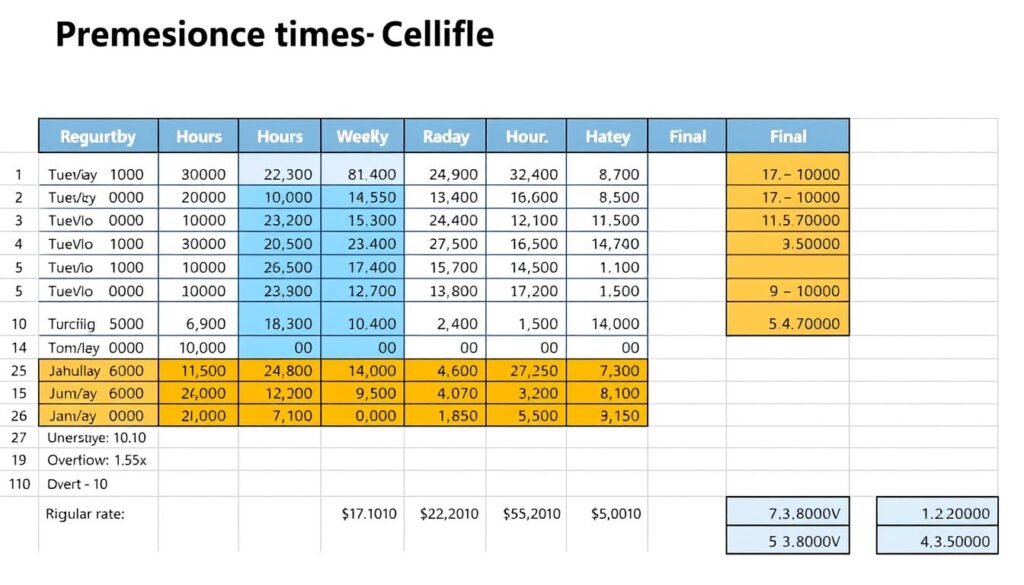
When an employee works beyond 40 hours in a workweek, overtime calculations come into play. For example, if the same employee works an additional 3 hours on Saturday:
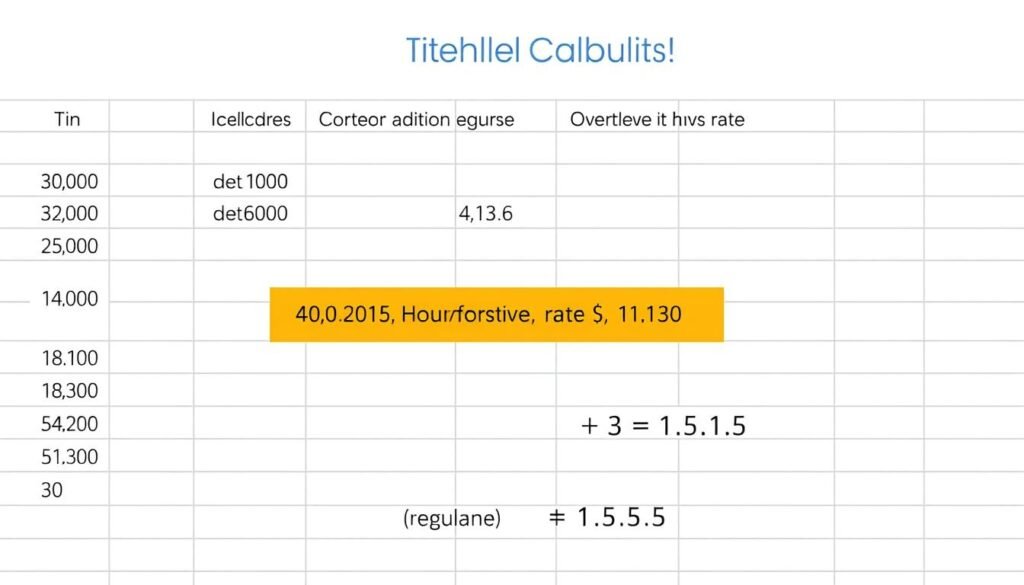
| Category | Hours | Rate | Total |
| Regular Hours | 40.0 | $15.00 | $600.00 |
| Overtime Hours | 3.0 | $22.50 | $67.50 |
| Total Pay: | $667.50 | ||
Multiple Shift Calculation
For employees who work split shifts or multiple shifts in a day, the time card calculator adds each work period separately. For instance, if an employee works from 8:00 AM to 12:00 PM and then returns for a second shift from 4:00 PM to 8:00 PM, the calculator would add both periods for a total of 8 hours worked that day.
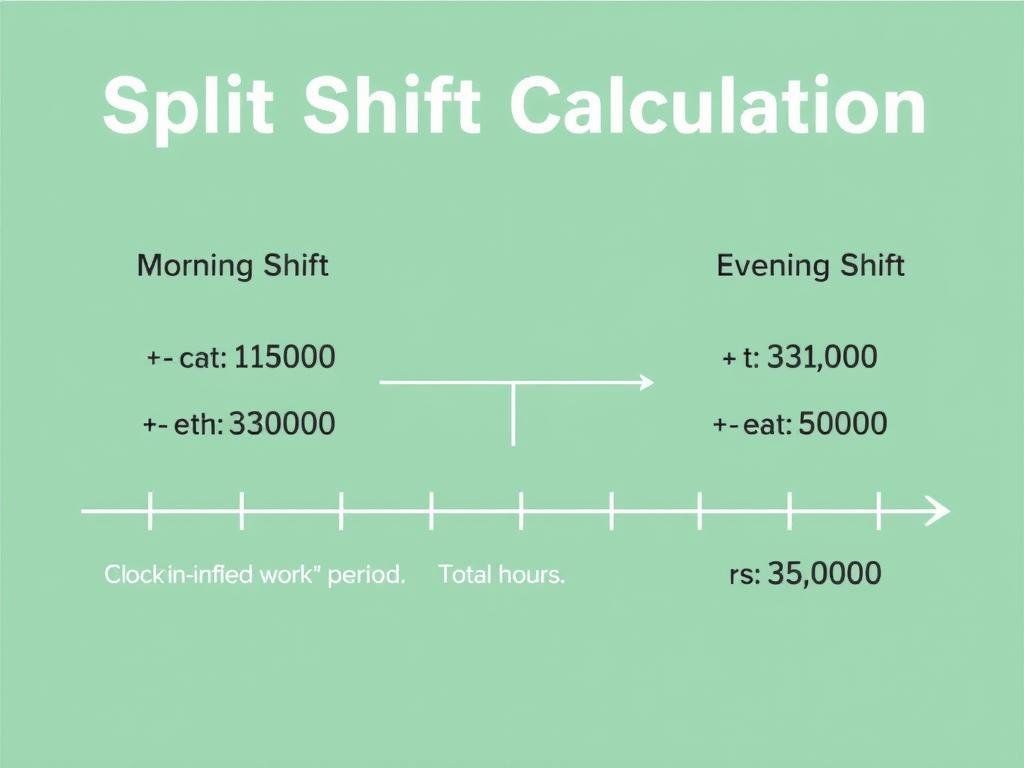
Our time card calculator handles all these scenarios automatically, saving you from complex manual calculations and ensuring accuracy every time.
Calculate Any Work Schedule with Ease
From standard workweeks to complex shift patterns, our calculator handles it all.
The Evolution of Time Cards: From Punch Cards to Digital Solutions
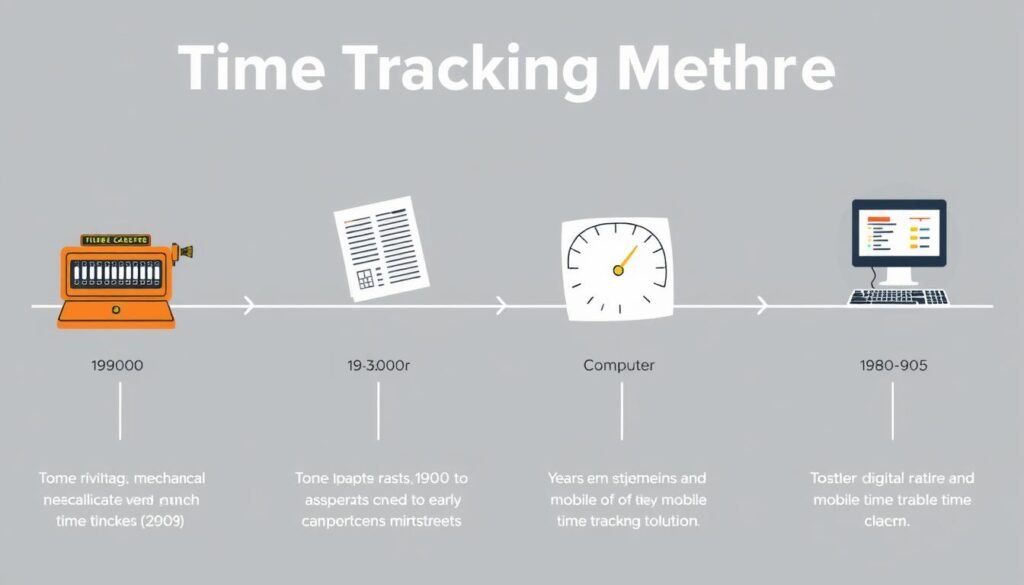
Time tracking has come a long way since the late 19th century when the first mechanical time clocks were invented. The Rochester Time Recorder, created in 1894, allowed employees to insert cards that would be stamped with their clock-in and clock-out times.
As technology advanced, so did time tracking methods. Paper timesheets gave way to computerized systems, which have now evolved into sophisticated digital time card calculators that can be accessed from anywhere and integrate with payroll systems.
Today’s time card calculators offer features that would have seemed miraculous to early time clock users: automatic calculations, overtime tracking, break management, and even mobile access for remote workers.

Choosing the Right Time Card Calculator for Your Needs
With numerous time card calculators available, selecting the right one depends on your specific requirements. Consider these factors when making your choice:
Business Size
Small businesses may need simple solutions focused on basic time tracking, while larger organizations might require more comprehensive features like department tracking, approval workflows, and integration capabilities.
Industry Requirements
Different industries have unique time tracking needs. Construction companies might need mobile-friendly solutions with GPS capabilities, while healthcare organizations may require solutions that comply with specific regulatory requirements.
Integration Capabilities
Consider whether the time card calculator needs to integrate with your existing payroll, HR, or accounting systems to streamline your processes and eliminate duplicate data entry.

User-Friendliness
The best time card calculator is one that employees and managers can use without extensive training. Look for intuitive interfaces and clear instructions.
Reporting Capabilities
Comprehensive reporting features allow you to analyze labor costs, identify trends, and make informed business decisions based on accurate time tracking data.
Our time card calculator is designed to meet the needs of businesses of all sizes, with a user-friendly interface and powerful calculation capabilities that make time tracking simple and accurate.
The Perfect Time Tracking Solution
Our calculator combines simplicity with powerful features to meet the needs of any business.
Frequently Asked Questions About Time Card Calculators
How does a time card calculator handle overtime?
A time card calculator automatically identifies when an employee’s hours exceed the standard 40-hour workweek and applies the appropriate overtime rate (typically 1.5 times the regular hourly rate) to those excess hours. This ensures compliance with labor laws and accurate compensation for overtime work.
Can time card calculators track lunch breaks and rest periods?
Yes, most time card calculators allow you to input break times, which are then automatically deducted from the total hours worked. This feature ensures accurate tracking of billable hours and compliance with break requirements mandated by labor laws.
Are digital time card calculators better than paper timesheets?
Digital time card calculators offer significant advantages over paper timesheets, including reduced errors, automatic calculations, easier record-keeping, and time savings for both employees and administrators. They also provide better data security and easier access to historical records.
How do time card calculators help with payroll processing?
Time card calculators streamline payroll processing by automatically calculating regular hours, overtime, and total wages based on hourly rates. This eliminates manual calculations, reduces errors, and significantly speeds up the payroll process. Many calculators can also generate reports that integrate directly with payroll systems.
Can employees access their own time card records?
Many digital time card systems allow employees to access their own time records, view their hours worked, and sometimes even submit time-off requests or shift preferences. This self-service capability increases transparency and reduces administrative burden on managers.
How do time card calculators ensure compliance with labor laws?
Advanced time card calculators are programmed with relevant labor law requirements, such as overtime thresholds, mandatory break periods, and maximum work hour limitations. They automatically flag potential compliance issues and calculate overtime according to applicable regulations, helping businesses avoid costly penalties.

Transform Your Time Tracking Today

Accurate time tracking is essential for both businesses and employees. With our time card calculator, you can eliminate the headaches of manual calculations, ensure compliance with labor laws, and streamline your payroll processes.
Whether you’re managing a small team or overseeing a large workforce, our calculator provides the tools you need to track hours worked, calculate overtime, and maintain accurate records—all with just a few clicks.
Ready to Simplify Your Time Tracking?
Join thousands of satisfied users who have transformed their time management with our calculator.