Time Zone Calculator converts time between cities and countries. Quick, accurate, and easy tool to compare global times and plan meetings.
Time Zone Calculator
Navigating time zones can be challenging when coordinating across different regions. Whether you’re scheduling international business meetings, planning travel, or managing remote teams, understanding how to accurately convert between time zones is essential. Our comprehensive guide explains everything you need to know about time zone calculations and how to use a time zone calculator effectively.
What is a Time Zone Calculator?
A time zone calculator is a tool that converts times between different time zones around the world. It takes into account the standard time offsets from Coordinated Universal Time (UTC), as well as adjustments for Daylight Saving Time (DST) when applicable. This eliminates the mental math and potential errors that come with manual calculations.
Unlike manual calculations that can lead to errors, especially when dealing with DST changes, a time zone calculator provides instant, accurate conversions. This is particularly valuable when coordinating across multiple time zones simultaneously.
Need to Convert Time Zones Quickly?
Stop struggling with manual calculations and potential errors. Our Time Zone Calculator handles all the complexity for you.
Why Time Zone Calculations Matter
Time zone conversions impact many aspects of our interconnected world. Understanding and accurately calculating time differences is crucial for:
Business Communication
Scheduling international meetings, conference calls, and coordinating with global teams requires precise time zone knowledge to ensure everyone attends at the correct time.

Travel Planning
When traveling across time zones, understanding the local time at your destination helps with flight bookings, hotel check-ins, and adjusting your schedule to minimize jet lag.

Remote Work
With the rise of distributed teams, knowing when colleagues in different locations are available ensures productive collaboration and respects everyone’s working hours.

Global Events
Watching live international sports, conferences, or product launches requires converting event times to your local time zone to ensure you don’t miss important moments.
In each of these scenarios, a time zone calculator eliminates confusion and ensures everyone is literally on the same page when it comes to time.
Understanding Time Zones: The Basics
Before diving into how to use a time zone calculator, it’s important to understand the fundamental concepts behind time zones.
What Are Time Zones?
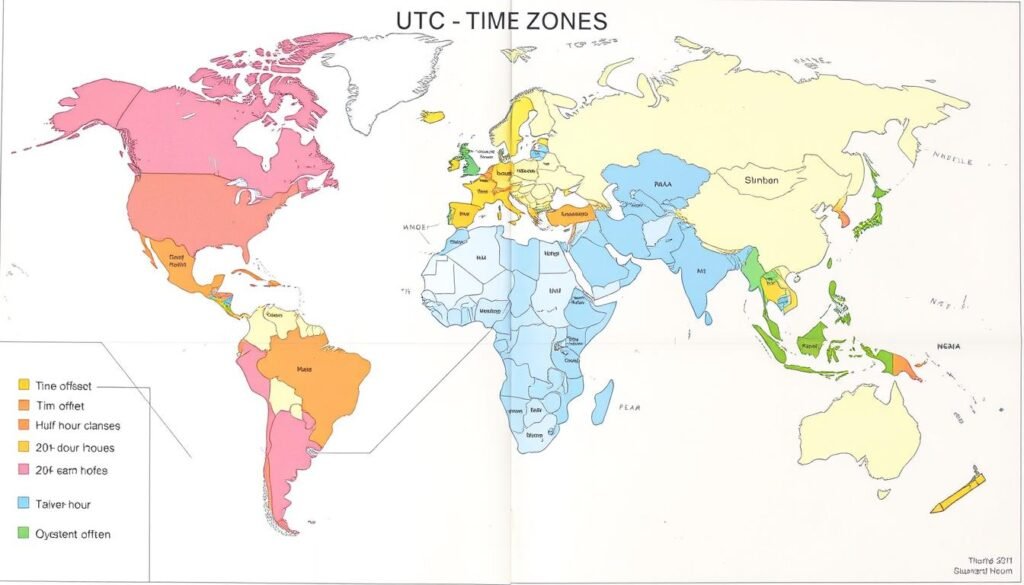
Time zones are regions on Earth that observe a uniform standard time for legal, commercial, and social purposes. They are based primarily on the concept that the Earth rotates 15 degrees of longitude each hour, creating 24 standard time zones worldwide.
UTC and GMT: The Reference Points
Coordinated Universal Time (UTC) serves as the primary time standard by which all time zones are defined. While Greenwich Mean Time (GMT) is often used interchangeably with UTC in casual conversation, UTC is the modern scientific standard based on highly precise atomic clocks.
Time zones are typically expressed as offsets from UTC, such as UTC+2 or UTC-5, indicating how many hours ahead or behind UTC a particular region is.
Time Zone Offsets
Most time zones are offset from UTC by a whole number of hours, but some regions use half-hour or even quarter-hour differences. For example:
- Eastern Standard Time (EST): UTC-5
- Central European Time (CET): UTC+1
- Indian Standard Time (IST): UTC+5:30
- Nepal Standard Time: UTC+5:45
These variations make manual time zone calculations particularly challenging, highlighting the value of a reliable time zone calculator.
Daylight Saving Time: The Complicating Factor
Daylight Saving Time (DST) adds complexity to time zone calculations. Many regions adjust their clocks forward by one hour during summer months and back during winter, creating seasonal time differences even within the same zone.

DST Variations Worldwide
DST observance varies significantly around the world:
| Region | DST Practice | Typical Change Dates |
| Most of North America | Observes DST | Second Sunday in March to first Sunday in November |
| European Union | Observes DST | Last Sunday in March to last Sunday in October |
| Australia | Some states observe DST | First Sunday in October to first Sunday in April |
| Asia (most countries) | Does not observe DST | N/A |
| Africa (most countries) | Does not observe DST | N/A |
These variations mean that the time difference between two locations can change throughout the year. A good time zone calculator automatically accounts for these DST changes, ensuring accurate conversions year-round.
Important: When scheduling events during the weeks when DST changes occur, extra caution is needed as different regions may change their clocks on different dates.
How to Use a Time Zone Calculator Effectively
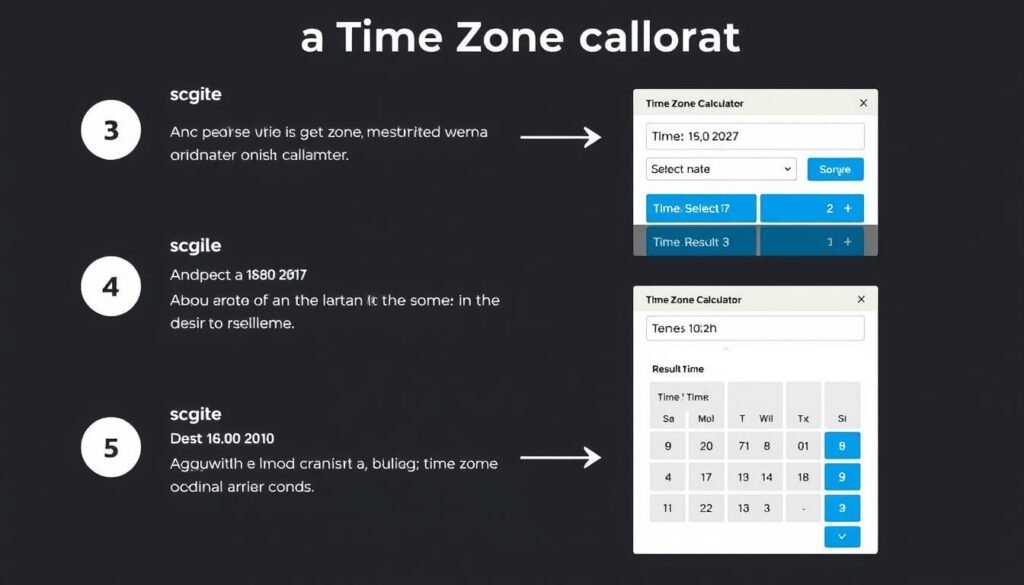
Using a time zone calculator is straightforward once you understand the basic process. Here’s a step-by-step guide to converting times accurately:
- Select your source time zone – Choose the time zone you’re converting from, such as your current location.
- Enter the date and time – Input the specific date and time you want to convert.
- Select the destination time zone – Choose the time zone you’re converting to.
- View the converted result – The calculator will display the equivalent time in the destination time zone.
- Check DST status – Verify if DST is in effect for either location on the specified date.
Common Time Zone Conversion Scenarios
Converting for an International Business Meeting
When scheduling a meeting with participants in New York, London, and Tokyo, select each location’s time zone and find a time that falls within acceptable working hours for all participants. For example, 9:00 AM in New York would be 2:00 PM in London and 11:00 PM in Tokyo.
Planning for Travel
If you’re flying from Los Angeles to Sydney, use the calculator to determine the local time upon arrival. This helps adjust your schedule and minimize jet lag. For instance, a 10-hour flight leaving at 10:00 PM from Los Angeles might arrive at 6:00 AM in Sydney two days later due to the time difference and crossing the International Date Line.
Coordinating with Remote Teams
When working with team members across different time zones, use the calculator to find overlapping working hours. For a team spread across San Francisco, Berlin, and Singapore, the window from 8:00 AM to 10:00 AM in San Francisco might be the only time when all team members are available during their respective working days.
For more complex scenarios involving multiple time zones, our advanced time zone calculator offers additional features to simplify the process.
Ready to Convert Time Zones?
Our easy-to-use calculator handles all the complexity, including DST adjustments, for accurate results every time.
Understanding US Time Zones
The United States spans multiple time zones, making it a perfect example of how time zone calculations work in practice. Understanding these zones is particularly important for domestic travel and business within the US.
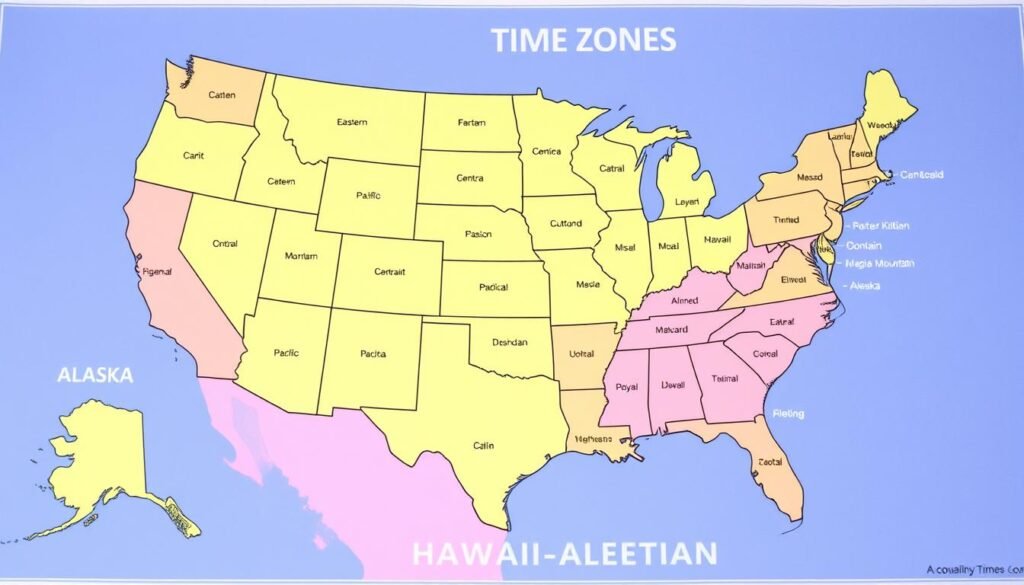
The Six Primary US Time Zones
| Time Zone | Standard Time | Daylight Time | UTC Offset | Major Cities |
| Eastern | EST | EDT | UTC-5 (UTC-4 with DST) | New York, Washington DC, Miami |
| Central | CST | CDT | UTC-6 (UTC-5 with DST) | Chicago, Dallas, Houston |
| Mountain | MST | MDT | UTC-7 (UTC-6 with DST) | Denver, Phoenix*, Salt Lake City |
| Pacific | PST | PDT | UTC-8 (UTC-7 with DST) | Los Angeles, Seattle, San Francisco |
| Alaska | AKST | AKDT | UTC-9 (UTC-8 with DST) | Anchorage, Juneau, Fairbanks |
| Hawaii-Aleutian | HST | HDT** | UTC-10 | Honolulu, Hilo |
* Most of Arizona does not observe Daylight Saving Time, except for the Navajo Nation.
** Hawaii does not observe Daylight Saving Time.
US Time Zone Exceptions
Several states span multiple time zones, and some have unique rules regarding DST:
- Florida: Most of the state is in Eastern Time, but the western panhandle is in Central Time.
- Indiana: Primarily Eastern Time, but the northwest and southwest corners observe Central Time.
- Arizona: Does not observe DST (except for the Navajo Nation).
- Alaska: The Aleutian Islands west of 169°30′ W longitude observe Hawaii-Aleutian Time.
These exceptions highlight why using a reliable time zone calculator is essential for accurate time conversions within the United States.
Common Challenges in Time Zone Conversion
Even with tools available, certain aspects of time zone conversion can be particularly challenging. Being aware of these common pitfalls can help you avoid confusion and errors.
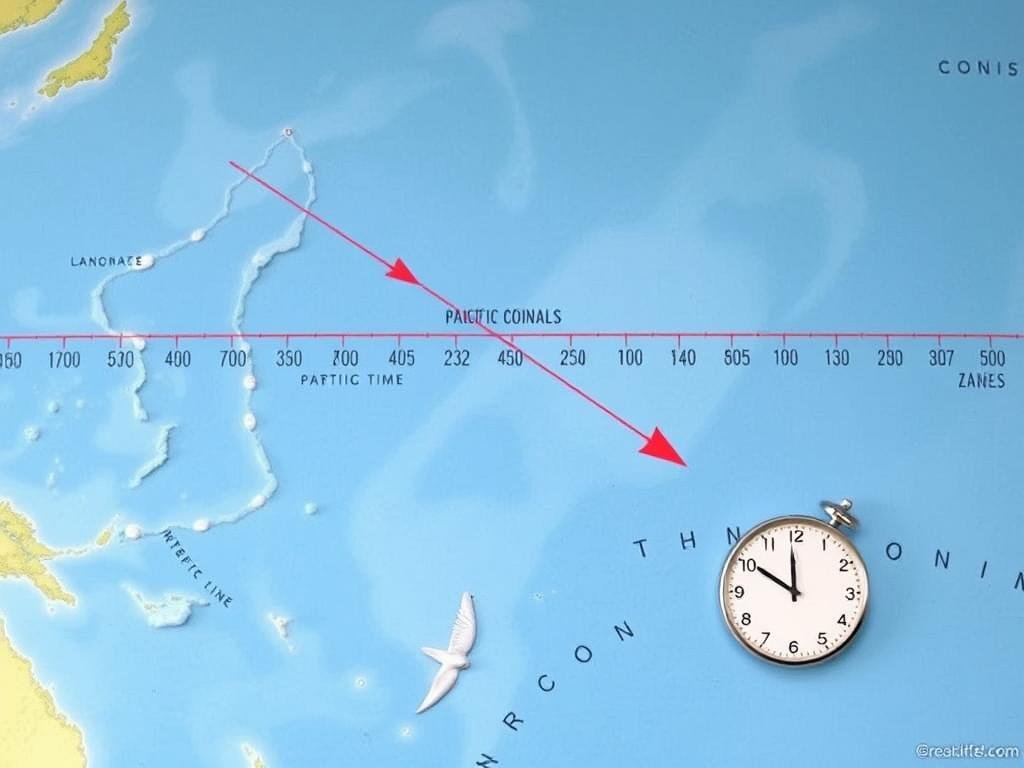
The International Date Line
When converting times across the International Date Line, you’re not just dealing with time differences but also date changes. A time zone calculator automatically handles these date shifts for you.
DST Transition Periods
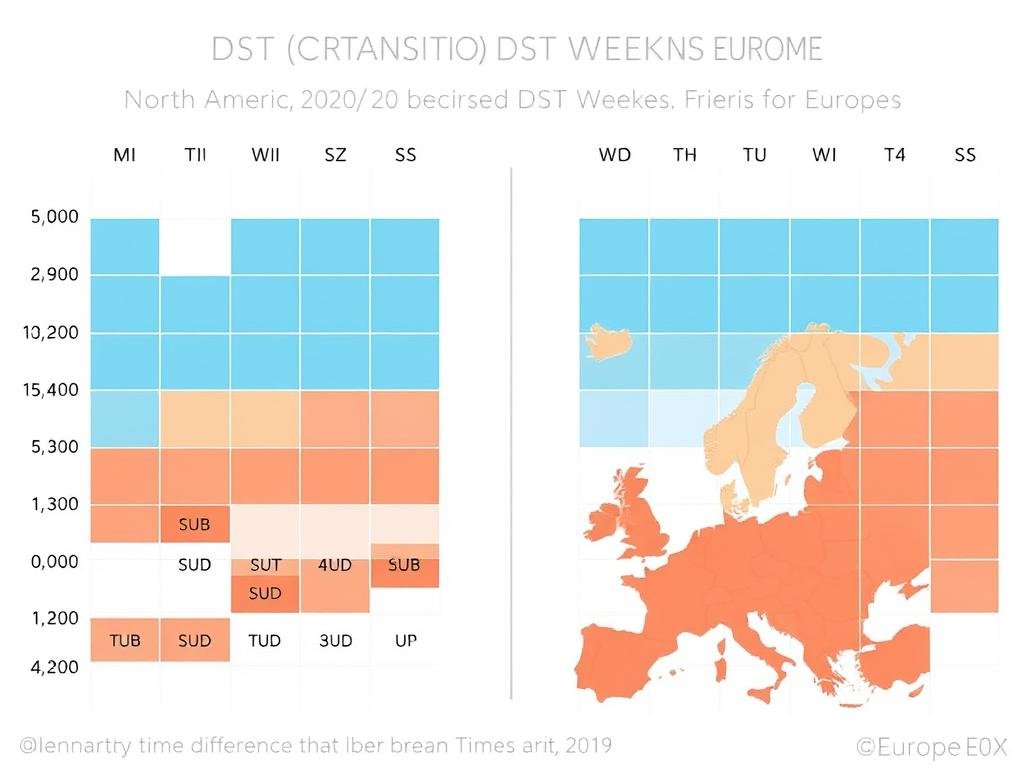
During the weeks when different regions change to or from DST on different dates, time differences can temporarily shift by an hour. This is particularly common between North America and Europe.
Non-Standard Time Zones
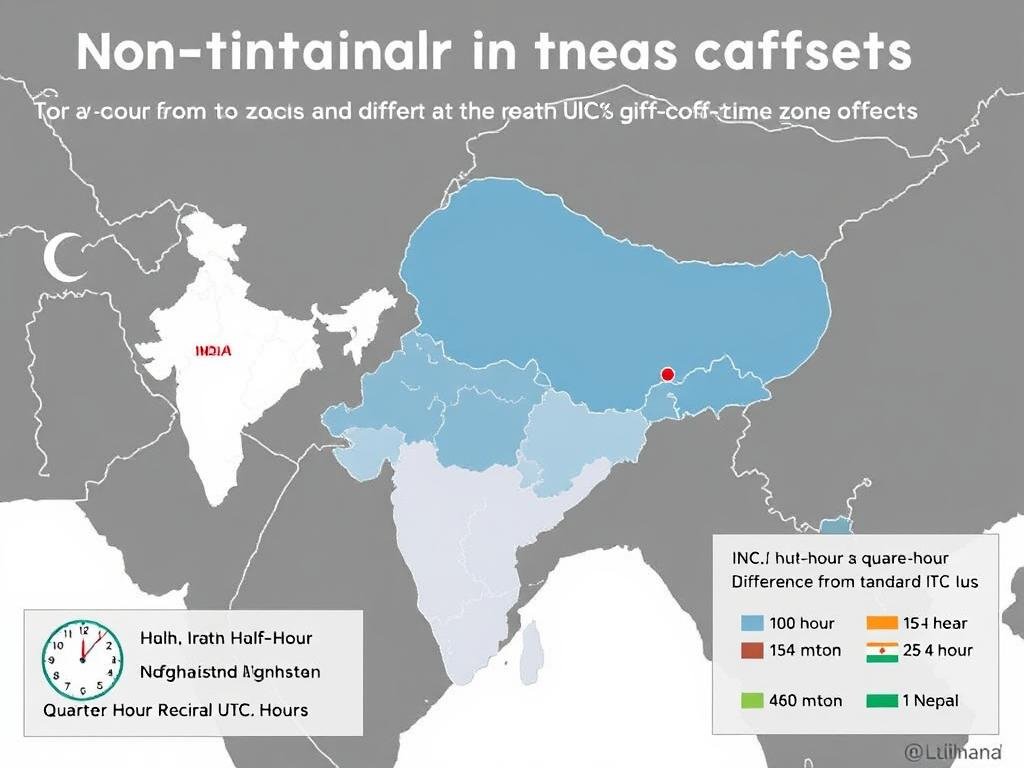
Some regions use time zones with 30 or 45-minute offsets from UTC, such as India (UTC+5:30) or Nepal (UTC+5:45), making manual calculations more complex.
Political Time Zone Changes
Countries occasionally change their time zone policies, affecting historical and future time conversions. A regularly updated time zone calculator accounts for these changes.
Pro Tip: When scheduling critical events across time zones, always specify the time zone explicitly (e.g., “3:00 PM Eastern Time”) and consider including the UTC equivalent to avoid any confusion.
Mastering Time Zone Calculations
Understanding time zones and how to convert between them is an essential skill in our globally connected world. While the concepts can seem complex at first, a reliable time zone calculator simplifies the process and ensures accuracy.
Whether you’re coordinating international business meetings, planning travel across different regions, or managing remote teams spread around the world, having the right tools at your disposal makes all the difference. Our time zone calculator handles all the complexities of time zone differences, Daylight Saving Time adjustments, and even unusual time zone offsets.
Stop Struggling with Time Zone Conversions
Our Time Zone Calculator makes it easy to convert times accurately between any locations worldwide. Try it now and eliminate the confusion of manual calculations.